Zombie Shooter
Played 2 times.


About Zombie Shooter
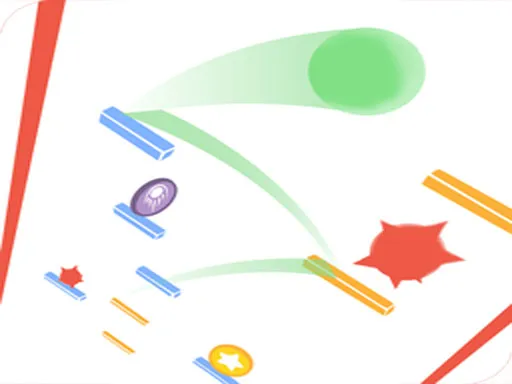
Bullets that bounce change how you think about aiming. Zombie Shooter asks you to clear every zombie from the screen, and you can do it with a straight hit or by using a rebound when that gives you a better angle. Speed counts too, because the aim is to finish as fast as you can.
Controls are about as light as they come: a single touch or mouse click does the job. That makes it a quick casual pick-up with a bit of a sniper's patience built in, since a clever angle is often worth a second of thought before you fire.
Game details
| Genre | Shooting |
|---|---|
| Controls | Mouse or touch |
| Platform | Browser, phone and tablet |
| Cost | Free, no download |
| Screen | 1920 x 1080 px |
How to play Zombie Shooter
- Study where the zombies are standing before you shoot.
- Aim with the mouse, or by touching the screen.
- Click or tap to fire, and use a rebound when it gives you a better line.
- Clear every zombie, then try to beat your own speed.
Tips for Zombie Shooter
- Pause a moment and plan the angle; careless shots waste your chance to be quick.
- Look for lines where one bullet can reach a zombie by bouncing.
- Speed only counts once the screen is clear, so aim first and hurry second.
Frequently asked questions
Is Zombie Shooter free and does it need a download?
It is free and plays in your browser. There is no download and no sign-up.
What are the controls in Zombie Shooter?
It uses one-touch control. Click with the mouse on a computer or tap on a phone or tablet to aim and fire.
Do bullets really bounce in Zombie Shooter?
Yes. Direct hits work, and rebounds are part of the game, so you can use bounces to reach zombies faster.
More to play: Shooting games · Arcade games · Boys games · Casual games · Hypercasual games
Categories
Arcade Hypercasual Shooter Shooting Casual Zombie Boys Sniper
Tags Comments