Zombie Derby
Played 4 times.


About Zombie Derby
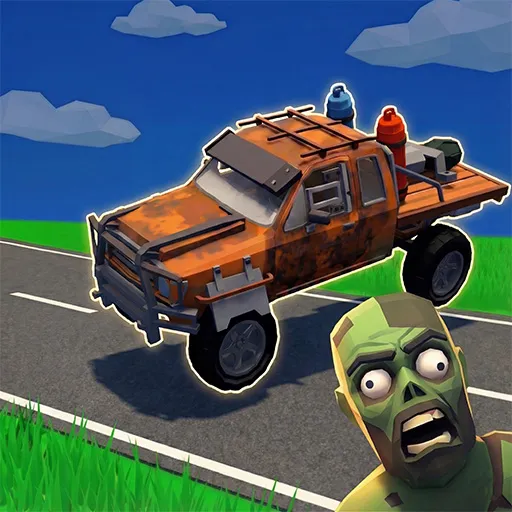
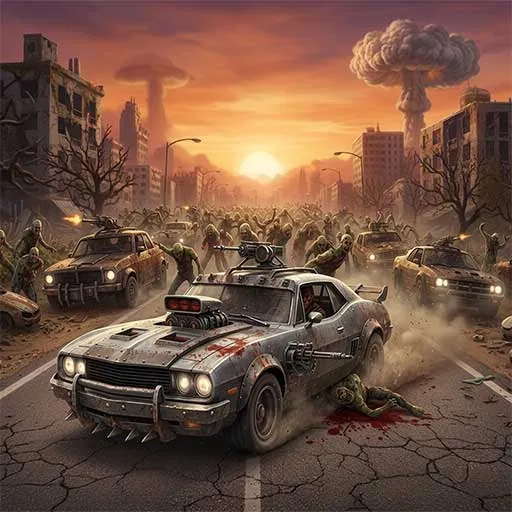
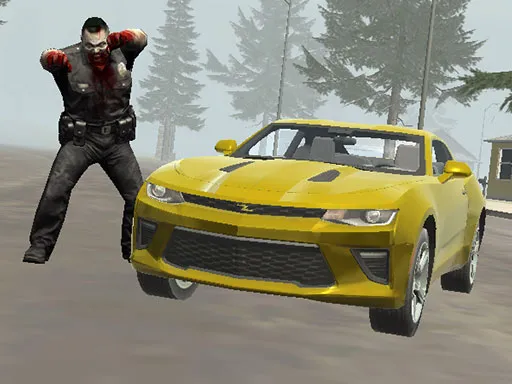
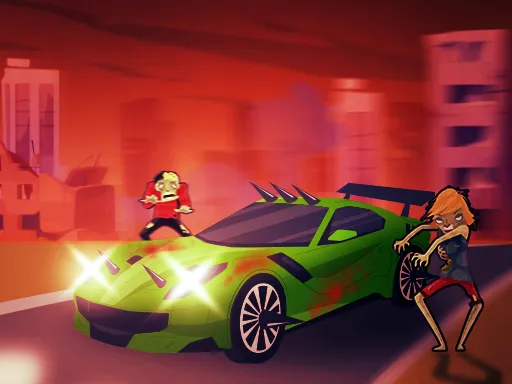
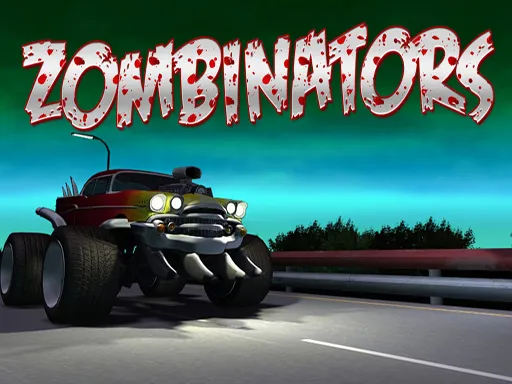
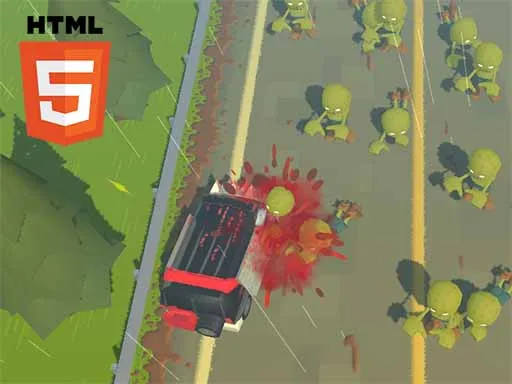
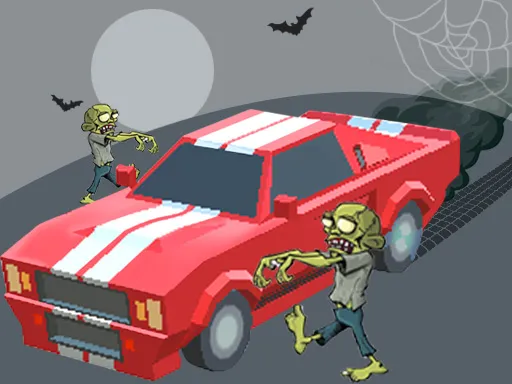
Cars and zombies are a natural pairing, and Zombie Derby does not bother with anything complicated. You pick a car, drive it into the undead and upgrade it as you progress through the levels.
There are several cars to try, along with upgrades to buy, and the gameplay stays straightforward. Drive with W, A, S and D, use the space bar for the handbrake and hold left Shift for nitro, which is handy for sudden bursts of speed. The 3D game runs in a browser tab, so a keyboard and a computer give you the best control.
Game details
| Genre | Racing |
|---|---|
| Controls | Keyboard |
| Platform | Browser, phone and tablet |
| Cost | Free, no download |
| Screen | 960 x 540 px |
How to play Zombie Derby
- Pick one of the available cars.
- Drive with W, A, S and D.
- Press Space for the handbrake to turn sharply.
- Hold left Shift to use nitro.
- Spend on upgrades and move through the levels.
Tips for Zombie Derby
- Use nitro to build momentum, then let the car coast through a crowd.
- Handbrake turns help you line up the next group quickly.
- Upgrade before the levels become too tough to survive.
Frequently asked questions
Is Zombie Derby free?
Yes. Zombie Derby is free to play in your browser, with no download and no sign-up.
What controls does Zombie Derby use?
W, A, S and D drive, Space is the handbrake and left Shift gives nitro. A keyboard works best.
Can I upgrade my car in Zombie Derby?
Yes. The game offers upgrades and several cars, so your vehicle gets stronger as you play.
More to play: Racing games · Car games · Zombie games
Categories Tags Comments