Counter Craft Classic
Played 2 times.


About Counter Craft Classic
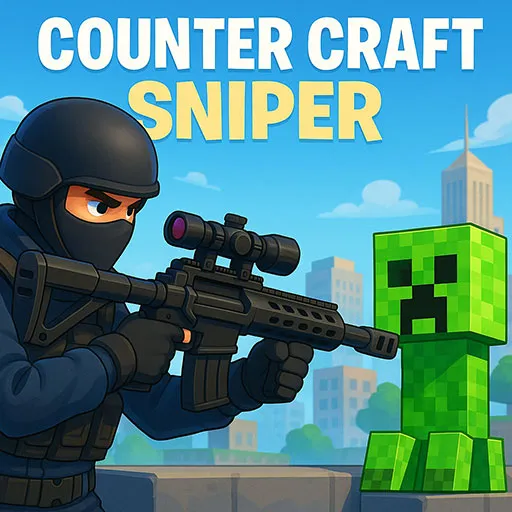
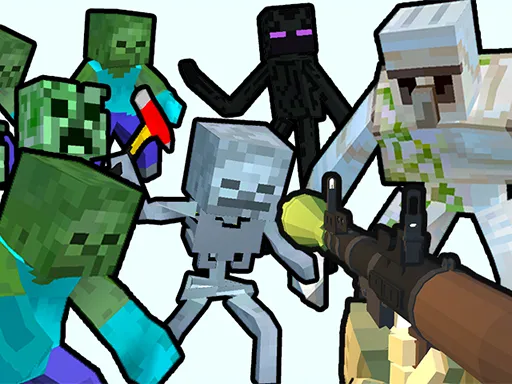
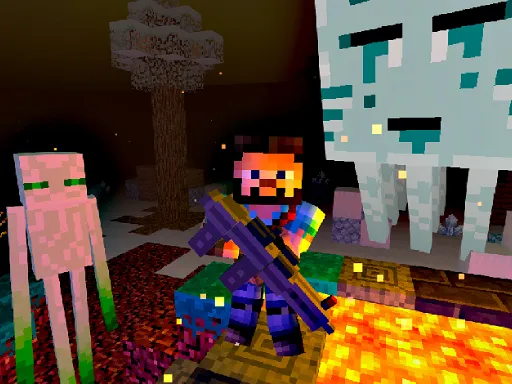
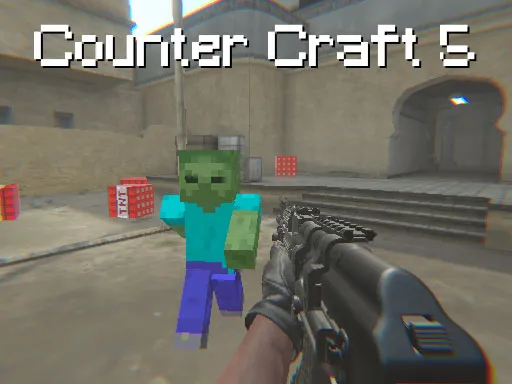
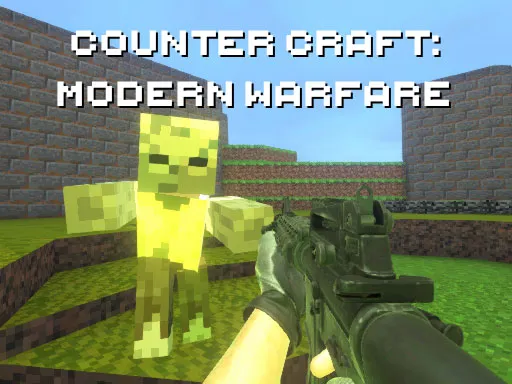
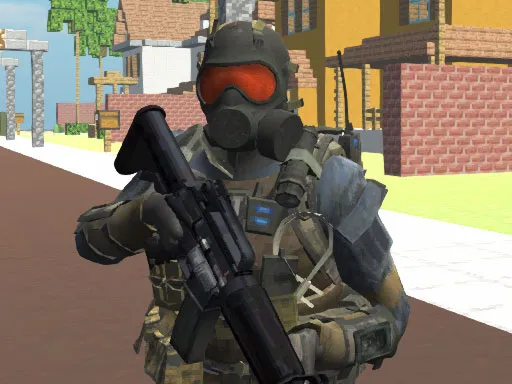
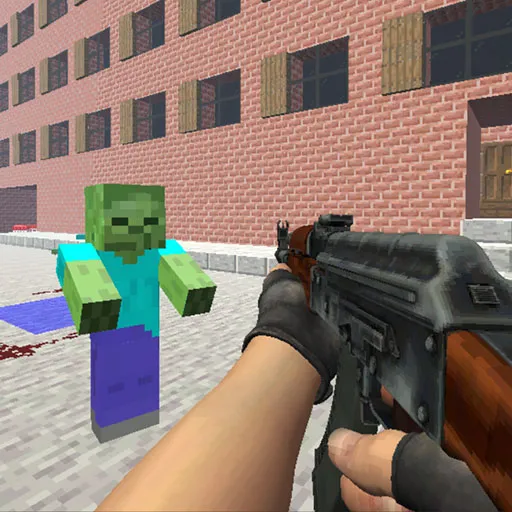
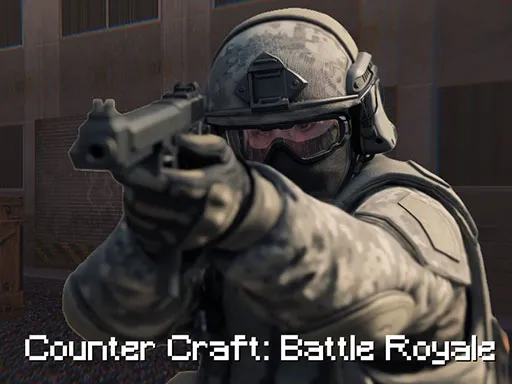
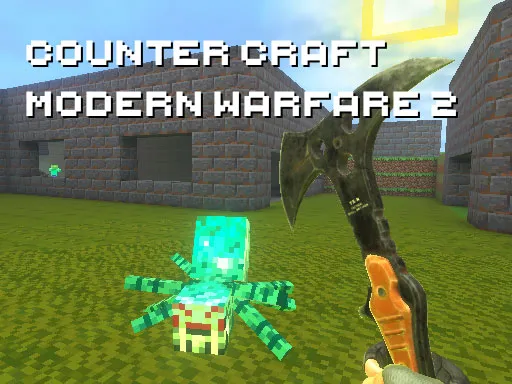
Imagine a blocky sandbox world in which the gunfights feel like a classic tactical shooter. That is the pitch of Counter Craft Classic. You carry a large arsenal, face blocky creatures in each level and must locate the exit before you can move on.
The tags mention zombies too, so expect some undead company along the way. WASD moves you, the mouse handles aiming and shooting, and extra keys let you jump, crouch, run, reload and throw grenades. A flashlight comes in handy in the gloomier spots. It is a straightforward shooter that rewards careful corner checks, steady aim and smart weapon swaps.
Game details
| Genre | Shooting |
|---|---|
| Controls | Keyboard + mouse or touch |
| Platform | Browser, phone and tablet |
| Cost | Free, no download |
| Screen | 960 x 600 px |
How to play Counter Craft Classic
- Move with W, A, S and D and jump with space.
- Shoot with the left mouse button and aim with the right.
- Reload with R, throw grenades with G and crouch with C.
- Hold Shift to run and scroll the mouse wheel to change weapon.
- Defeat enemies and reach the exit.
Tips for Counter Craft Classic
- Peek around corners before stepping into open rooms.
- Switch to a stronger weapon when several enemies approach together.
- Crouch to steady your aim at long range.
Frequently asked questions
Is Counter Craft Classic free?
Yes. It is free in your browser, with no download or sign-up.
What are the Counter Craft Classic controls?
WASD to move, left mouse to shoot, right mouse to aim, space to jump, R to reload, G for grenades, C to crouch and Shift to run.
What do I do in each level of Counter Craft Classic?
Shoot the blocky creatures with your weapons and locate the way out to progress to the next level.
More to play: Shooting games · 3D games · Action games · First Person Shooter games · Minecraft games
Popular topics: 3d games · shoot · shoot em up
Categories
3D Action Shooter Shooting First Person Shooter Zombie Minecraft
Tags Comments