Zombie City Parking
Played 1 times.


About Zombie City Parking
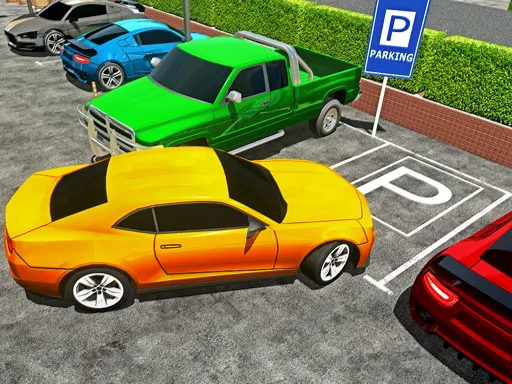
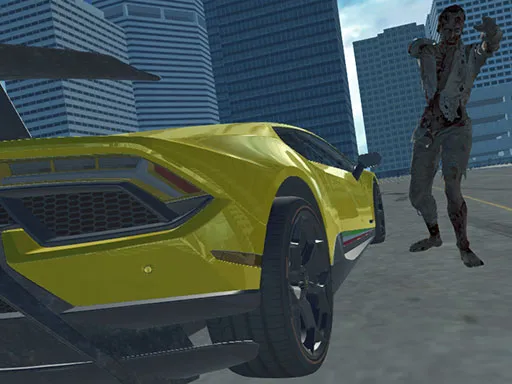
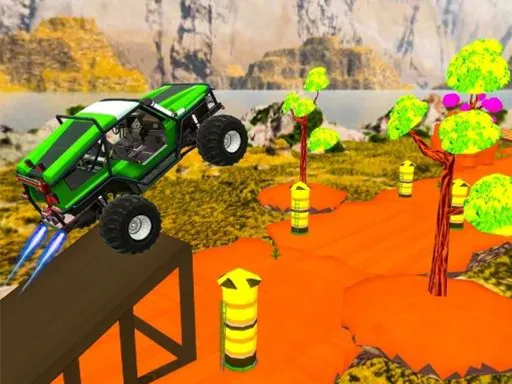
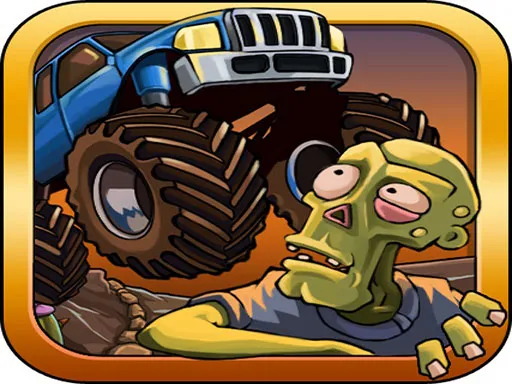
Zombies make parking much less relaxing. Zombie City Parking is a parking sim spread over a run of levels, and each one asks you to settle a car into its space while keeping clear of the undead roaming around.
You drive with WASD or the arrow keys, and tap F to hop in or out of a vehicle. It is flagged as mobile-friendly, but a keyboard is the natural way to handle both driving and the exit key. The game loads in your browser, with nothing to install and no account to create.
Game details
| Genre | Racing |
|---|---|
| Controls | Keyboard |
| Platform | Browser, phone and tablet |
| Cost | Free, no download |
| Screen | 960 x 600 px |
How to play Zombie City Parking
- Drive with WASD or the arrow keys.
- Tap F to enter or leave a car.
- Avoid the zombies as you steer through the level.
- Park the car in its space to finish.
Tips for Zombie City Parking
- Plan your route around the zombies before you start moving.
- Drive slowly near the space; precise parking is the real challenge.
- Use F carefully, since leaving a car exposes you to the zombies.
Frequently asked questions
Is Zombie City Parking free?
Yes. Zombie City Parking is free, runs in your browser, and needs no download or sign-up.
What controls does Zombie City Parking use?
WASD or the arrow keys move, and F lets you enter or leave a car. A keyboard is best, though the game is flagged mobile-friendly.
What is Zombie City Parking about?
It is a parking game spread over several levels, where you park vehicles while steering clear of zombies.
More to play: Racing games · Car games · Parking games · Zombie games
Categories Tags Comments