Tuning Cars Stunts
Played 3 times.


About Tuning Cars Stunts
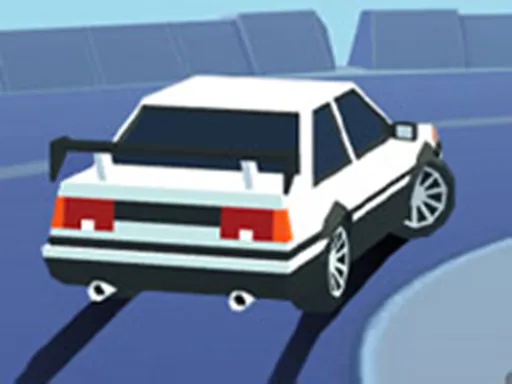
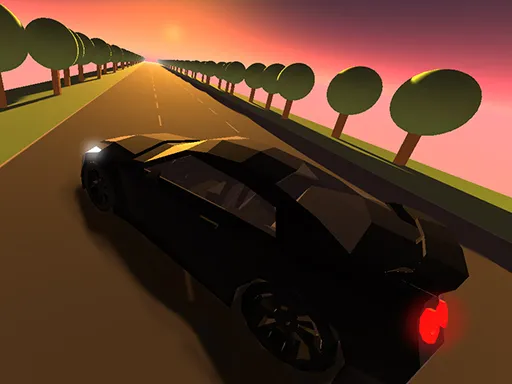
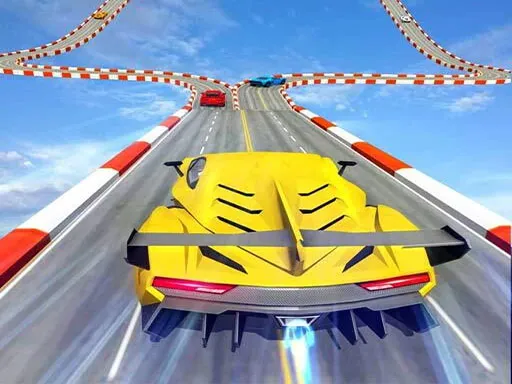
Part garage, part playground, Tuning Cars Stunts lets you shape a car before you drive it. There are five cars to choose from, and you can fit new bumpers, a hood, exhaust pipes, wheels and a spoiler, upgrade the car in three stages and change the colours of the body, glass, smoke and neon.
Graphics options include four camera effect presets and four quality levels from low to ultra. Controls are WASD or the arrow keys to drive, with extra keys for slow motion, restarting, switching cars, the camera, nitro, the info panel and music. It is a 3D game marked as mobile friendly.
Game details
| Genre | Racing |
|---|---|
| Controls | Keyboard + mouse or touch |
| Platform | Browser, phone and tablet |
| Cost | Free, no download |
| Screen | 800 x 600 px |
How to play Tuning Cars Stunts
- Press WASD or the arrow keys to drive.
- Press Tab to switch to the next car.
- Press C to change the camera and the mouse wheel to adjust the camera distance.
- Press F for a nitro push, or Enter to reset your car.
Tips for Tuning Cars Stunts
- Spend a few minutes in the customization options first; the look is half the fun.
- Lower the graphics quality if the game runs slowly on your computer.
- Use the reset key rather than struggling if your car lands badly.
Frequently asked questions
Is Tuning Cars Stunts free?
Yes. Tuning Cars Stunts is free to play in your browser, with no download and no sign-up.
What are the main controls in Tuning Cars Stunts?
WASD or the arrow keys drive. Tab changes car, C changes camera, F gives nitro, Enter resets, and Q toggles music.
Can I customize cars in Tuning Cars Stunts?
Yes. You can fit bumpers, a hood, exhausts, wheels and a spoiler, upgrade in three stages, and recolour body, glass, smoke and neon.
More to play: Racing games · 3D games · Car games · Fun games
Popular topics: 1 player · 3d games · cars · drift · drifting · driving
Categories Tags Comments