Lane Challenge 3D
Played 2 times.


About Lane Challenge 3D
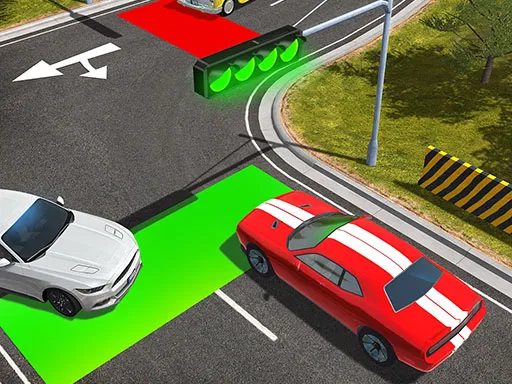
Traffic never stops in Lane Challenge 3D, and your job is to keep a car moving through it carefully. Each round puts you in a 3D driving challenge with a constant stream of vehicles to avoid.
Controls are simple: click or tap on the left or right side to change direction, and keep an eye on the cars around you. It is a hypercasual game, so rounds are short and the rules are clear within seconds. The tags mention strategy, because choosing the right gap matters as much as quick reactions. It loads straight in the browser.
Game details
| Genre | Racing |
|---|---|
| Controls | Mouse or touch |
| Platform | Browser, phone and tablet |
| Cost | Free, no download |
| Screen | 720 x 1280 px |
How to play Lane Challenge 3D
- Click or tap the left side of the screen to move left.
- Click or tap the right side to move right.
- Pay attention to the cars around you.
- Keep going without a collision.
Tips for Lane Challenge 3D
- Pick a gap early and commit instead of hesitating.
- Watch the cars two places ahead of you.
- Short taps give you more control than long ones.
Frequently asked questions
Is Lane Challenge 3D free to play?
Yes. Lane Challenge 3D is free, runs in your browser and needs no download or sign-up.
How do I steer in Lane Challenge 3D?
Click or tap left or right to change direction. Watch the other cars as you go.
What is the aim of Lane Challenge 3D?
Drive carefully through endless traffic without crashing.
More to play: Racing games · Boys games · Car games · Hypercasual games · Strategy games
Categories
Racing Car Hypercasual Strategy Boys
Tags Comments