TM Driver
Played 3 times.


About TM Driver
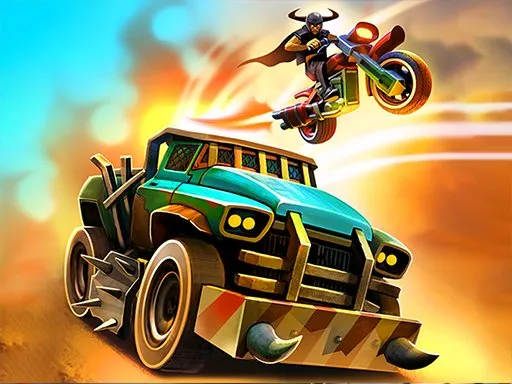
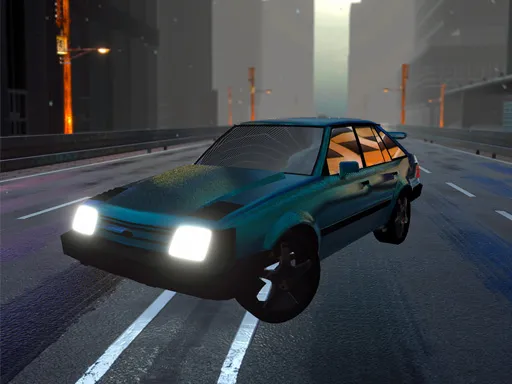
Missions open the road in TM Driver, an action and adventure driving game set on a big map. You complete jobs to be accepted into a racing crew, and finishing them unlocks super cars that improve your chances in later missions.
That progression gives the game a longer arc than a one-off race, even though the controls stay simple. The arrow keys steer and accelerate, Space brakes and B lets you glance behind. It also carries city, GTA-style and stunt tags, which hints at a looser, explore-the-city feel. It runs in the browser, so you can start without any setup.
Game details
| Genre | Racing |
|---|---|
| Controls | Keyboard |
| Platform | Browser, phone and tablet |
| Cost | Free, no download |
| Screen | 900 x 600 px |
How to play TM Driver
- Drive with the arrow keys.
- Press the spacebar to brake.
- Press B to look behind you.
- Complete missions to unlock super cars and move through the story.
Tips for TM Driver
- Finish early missions carefully, because the cars you unlock help in later ones.
- Use the look-back key to check behind you before turning around or backing out.
- Brake before corners rather than in them to keep control on the city streets.
Frequently asked questions
Is TM Driver free to play?
Yes. TM Driver is free, plays in the browser and needs no download or sign-up.
What are the controls in TM Driver?
Use the arrow keys to move, Space to brake and B to look back. A computer keyboard is the best way to play.
How do I unlock cars in TM Driver?
Complete missions. Finishing them unlocks super cars, which in turn help you win the following missions.
More to play: Racing games · Action games · Adventure games · Car games
Popular topics: city · interactive · stunts
Categories Tags Comments