Supra Drift 3D
Played 2 times.


About Supra Drift 3D
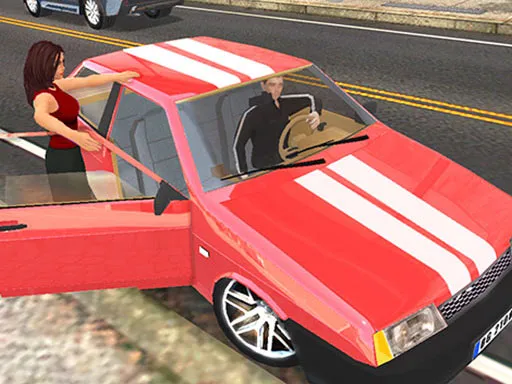
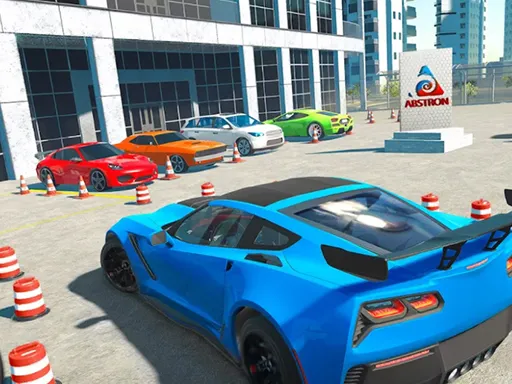
Fuel is never a concern and nobody is chasing you; the city is simply yours to slide around in. Supra Drift 3D lets you pick a colour, add a body kit, fit new wheels and then burn some rubber in a realistic urban setting.
Tuning options sit behind the gear icon, so the car can be refined as you go. Drive with the arrows or WASD, pull the handbrake with Space and slow time with G. Lights are on L, the indicators sit on Q, Z and E, and R and P record and replay your sessions. It opens in the browser and plays best on a computer.
Game details
| Genre | Racing |
|---|---|
| Controls | Keyboard |
| Platform | Browser, phone and tablet |
| Cost | Free, no download |
| Screen | 960 x 600 px |
How to play Supra Drift 3D
- Pick a colour, a body kit and wheels for the Supra.
- Drive with the arrows or W, A, S and D.
- Use Space for the handbrake to start a drift.
- Press G for slow motion or R to record a run.
- Open the gear icon to adjust the tuning.
Tips for Supra Drift 3D
- Build speed first and then tap the handbrake to start a drift.
- Visit the tuning menu when the car feels hard to control.
- Record a drift and replay it with P to see what you can improve.
Frequently asked questions
Is Supra Drift 3D free?
Yes. Supra Drift 3D is free in your browser, with no download and no sign-up.
What controls does Supra Drift 3D use?
Arrows or WASD drive, Space is the handbrake, G is slow motion, L is lights, and R and P record and replay.
Can I customise the car in Supra Drift 3D?
Yes. You can pick a colour, a body kit and new wheels, and the gear icon opens the tuning options.
More to play: Racing games · 3D games
Categories Tags Comments