Storm City
Played 1 times.


About Storm City
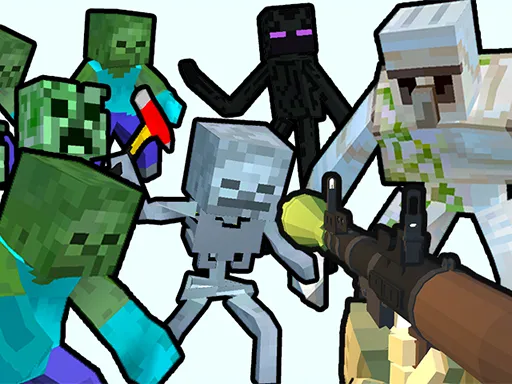
Shoot first and ask questions never. That is the motto of Storm City, a cartoon-style cyberpunk shooter where you blast enemies and gather boosters to level up. It has a lot of moving parts for a browser game, from grenades to vehicles you can climb into.
The controls give you two choices for many actions. You can move with WASD or the arrow keys, jump with space or J, fire with the left mouse button or Z, and throw grenades with the right button or X. A hammer-time ability sits on Shift or C, and E or Enter gets you into vehicles. Touch devices work too.
Game details
| Genre | Shooting |
|---|---|
| Controls | Keyboard + mouse or touch |
| Platform | Browser, phone and tablet |
| Cost | Free, no download |
| Screen | 960 x 600 px |
How to play Storm City
- Start in the city and head toward your enemies.
- Move with WASD or the arrow keys, and jump with space or J.
- Fire with the left mouse button or Z, and throw a grenade with the right button or X.
- Collect boosters to gain levels, and hop into vehicles with E or Enter.
Tips for Storm City
- Pick up boosters whenever you can, since they are how you level up.
- Try the alternative keys, such as Z and X, if you prefer the keyboard to the mouse.
- Use the hammer-time ability on Shift or C in a tough fight.
Frequently asked questions
Is Storm City free to play?
Yes. Storm City is free in your browser, with no download and no sign-up.
What are the controls in Storm City?
WASD or arrows move, space or J jumps, the left mouse or Z fires, the right mouse or X throws a grenade, and E or Enter enters vehicles.
How do I level up in Storm City?
Defeat enemies and pick up the boosters lying around; they are how you gain levels.
More to play: Shooting games
Categories Tags Comments