Stickman vs Zombies Minecraft
Played 1 times.


About Stickman vs Zombies Minecraft
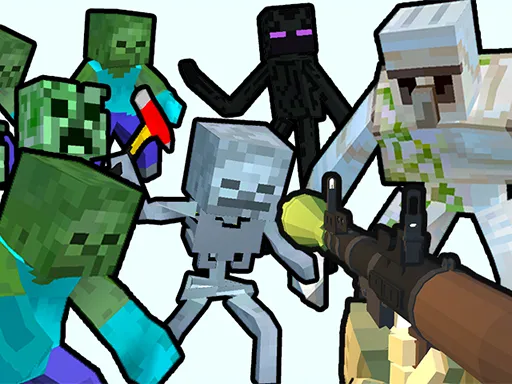
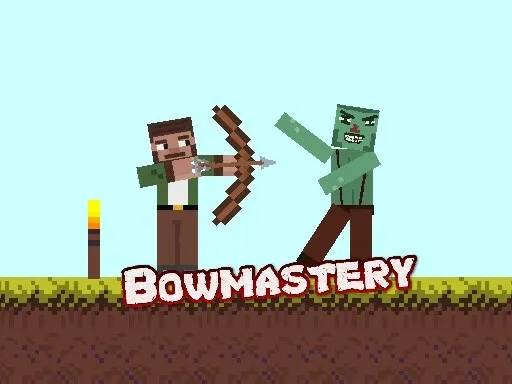
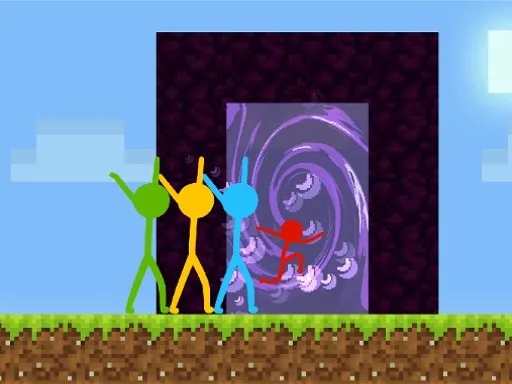
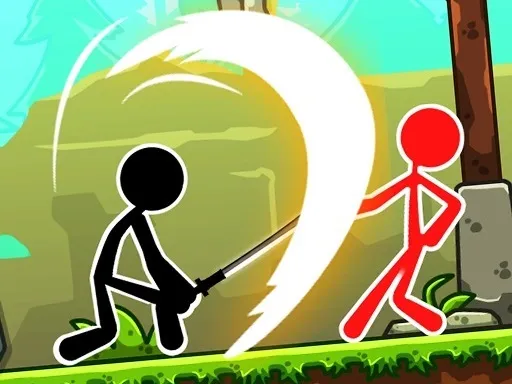
A stick ninja, a world of blocky zombies and a clear mission: leave none standing. Stickman vs Zombies Minecraft is an action platformer where each level hides craft zombies you must find and defeat before moving on.
Zombies will run you down or open fire at where you stand, so staying still is a bad idea. Each one you eliminate drops coins, and the coins unlock new skins. On a computer you move and jump with WASD, attack with the spacebar or mouse, and raise a shield with E. Touch players get on-screen buttons. The balance of searching, fighting and moving makes each level feel like a small hunt.
Game details
| Genre | Stickman |
|---|---|
| Controls | Keyboard + mouse or touch |
| Platform | Browser, phone and tablet |
| Cost | Free, no download |
| Screen | 900 x 600 px |
How to play Stickman vs Zombies Minecraft
- Use W, A, S and D to move and jump.
- Press the spacebar or click the mouse to attack.
- Press E to raise your shield.
- Eliminate every zombie in the level, collect their coins and unlock skins.
Tips for Stickman vs Zombies Minecraft
- Keep moving; zombies that catch you or open fire will punish a stationary hero.
- Raise your shield with E when a group closes in, then attack when it drops.
- Check every corner of the map so no zombie is left behind.
Frequently asked questions
Is Stickman vs Zombies Minecraft free to play?
Yes. It is free, runs in the browser and needs no download or sign-up.
What are the controls in Stickman vs Zombies Minecraft?
Use WASD to walk and jump, space or mouse click to attack, and E for a shield. On touch devices, use the on-screen buttons.
How do I finish a level in Stickman vs Zombies Minecraft?
Find and eliminate every craft zombie on the map. Their coins can be used to unlock new skins.
More to play: Stickman games · Fighting games · Minecraft games · Zombie games
Popular topics: kiz10
Categories
Zombie Stickman Fighting Minecraft
Tags Comments