Stick Runner
Played 1 times.


About Stick Runner
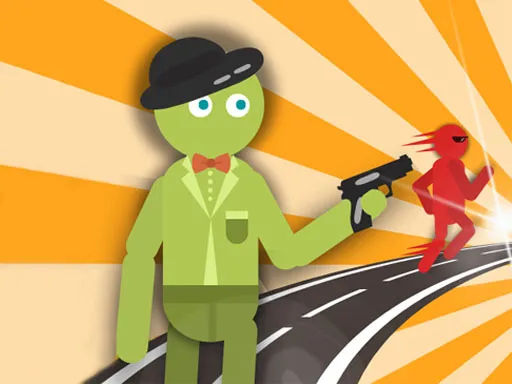
One track, one stickman, and obstacles of all sizes arriving without warning. The runner genre is boiled down to two moves here: jump over the low things and duck under the tall ones. On a phone you press two buttons at the bottom of the screen, and on a computer you use the space bar and an arrow key.
There is a catch to ducking. A red progress bar counts down while your stickman is crouched, and when it disappears he stands up again, so you cannot stay low forever. That timer forces you to think about when to slide, not just whether to. It is short, quick and good for beating your own best run.
Game details
| Genre | Puzzle |
|---|---|
| Controls | Keyboard |
| Platform | Browser, phone and tablet |
| Cost | Free, no download |
| Screen | 1080 x 1920 px |
How to play Stick Runner
- Watch the track for obstacles coming toward your stickman.
- Press the space bar or the jump button to leap over them.
- Press an arrow key or the slide button to duck under high ones.
- Keep an eye on the red bar, because the stickman stands up when it runs out.
Tips for Stick Runner
- Look at the next obstacle before you commit, since sizes and lengths vary.
- Do not hold the duck longer than needed; the red bar drains.
- Stay calm and time each move; mashing the buttons usually ends the run.
Frequently asked questions
Is Stick Runner free to play?
Yes. It is free, runs in your browser, and needs no download or sign-up.
What are the Stick Runner controls?
On a computer, press the space bar to jump and an arrow key for the slide. On a phone, use the two on-screen buttons.
What does the red bar do in Stick Runner?
It shows how long your stickman can stay ducked. When the bar disappears, he stands back up.
More to play: Puzzle games · 3D games · Brain games · Fun games · Kids games
Categories
3D Puzzle Brain Stickman Fun Kids
Tags Comments