Sport Stunt Bike 3D Game
Played 1 times.


About Sport Stunt Bike 3D Game
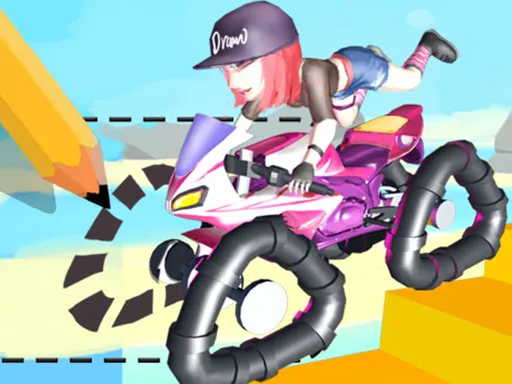
Tricky tracks and ridiculous jumps define Sport Stunt Bike 3D Game. You ride a motorbike across obstacles, leaps and hard sections, and the keys give you more control than you might expect from a stunt title.
W, A, S and D drive, Space is the rear brake, R reverses, C changes the camera, and Q, E, F and V shift the rider's weight forward and back. T resets the bike and Enter restarts the run. All of that points to a computer, though the page loads on phones too. Expect a few resets while you learn how the balance feels.
Game details
| Genre | Racing |
|---|---|
| Controls | Keyboard |
| Platform | Browser, phone and tablet |
| Cost | Free, no download |
| Screen | 800 x 600 px |
How to play Sport Stunt Bike 3D Game
- Press Tab to open the menu and start a track.
- Drive with W, A, S and D, using Space for the rear brake.
- Lean the rider with Q, E, F and V to balance in the air.
- Press T to reset the bike, or Enter to restart the run.
Tips for Sport Stunt Bike 3D Game
- Adjust your lean in the air, not just at takeoff, to land on both wheels.
- Use the rear brake lightly, since locking up costs speed.
- Try each camera view with C until you find one that helps.
Frequently asked questions
Is Sport Stunt Bike 3D Game free?
Yes. It is free, runs in your browser, and needs no download or sign-up.
What controls does Sport Stunt Bike 3D Game use?
W, A, S, D drive, Space brakes, C changes camera, Q E F V shift weight, T resets and Enter restarts.
How do I fix a crash in Sport Stunt Bike 3D Game?
Press T to reset the bike where it stands, or press Enter to restart the run.
More to play: Racing games
Popular topics: 3d games · bike · moto · motorcycle · unity3d · webgl
Categories Tags Comments