SPEED RACER GO
Played 2 times.


About SPEED RACER GO
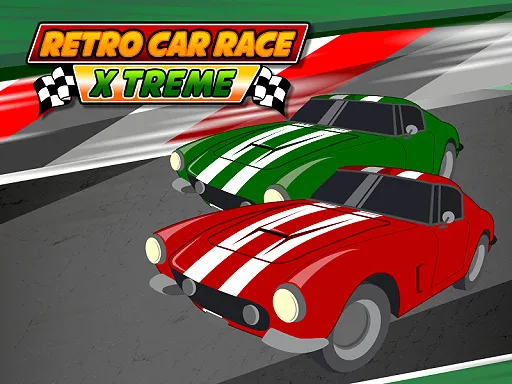
Switching lanes at the right second is the entire trick in SPEED RACER GO. You dodge crashes by changing tracks, finish courses and collect score as you go, either alone or with a second player.
Click or tap anywhere to switch track, or press the Shift and Up arrow keys; a gamepad works too, for one or two players. Short, simple and good for friendly rivalry, it asks for sharp reactions rather than long planning. It is free in the browser, with no download, and it works on phones, tablets and computers.
Game details
| Genre | Sports |
|---|---|
| Controls | Keyboard + mouse or touch |
| Platform | Browser, phone and tablet |
| Cost | Free, no download |
| Screen | 800 x 600 px |
How to play SPEED RACER GO
- Click or tap anywhere to switch track.
- Or use the Shift and Up arrow keys, or a gamepad.
- Switch tracks so you avoid crashes.
- Collect score as you complete each track.
Tips for SPEED RACER GO
- Switch early; waiting until the last moment leaves little room for error.
- In two-player mode, agree who takes which controls before you start.
- Keep your eyes ahead so you can see what is coming in time.
Frequently asked questions
Is SPEED RACER GO free to play?
Yes. It runs in your browser with no download and no sign-up. Open the page and start racing.
How do I control SPEED RACER GO?
Click or tap anywhere to switch track. Keyboard Shift and Up arrow keys and gamepads also work for one or two players.
Can two people play SPEED RACER GO?
Yes. It supports one or two players, so you can take on a friend.
More to play: Sports games · 2 Player games · Fun games · Racing games
Popular topics: 1 player · 2 player games · funny · race
Categories Tags Comments