Shoot Z
Played 3 times.


About Shoot Z
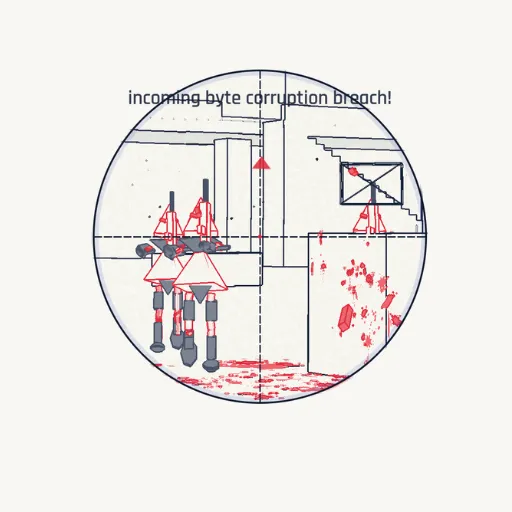
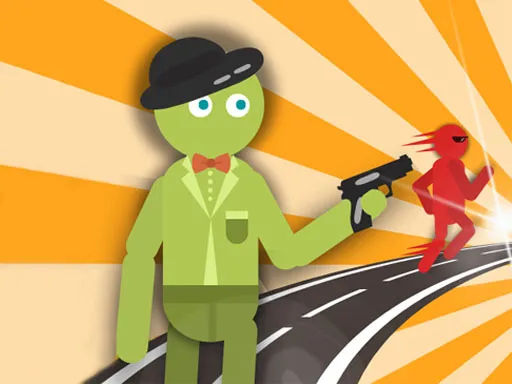
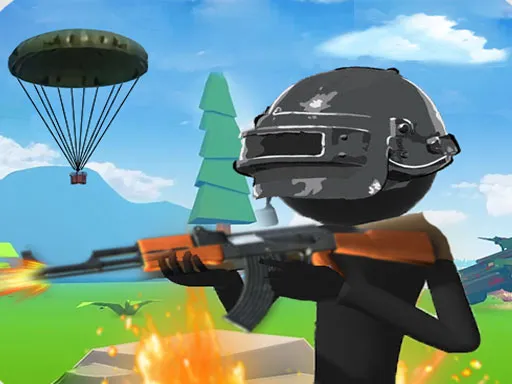
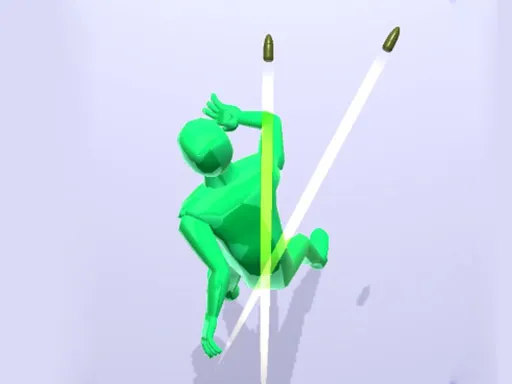
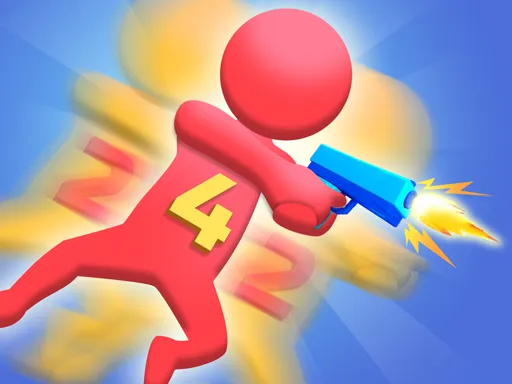
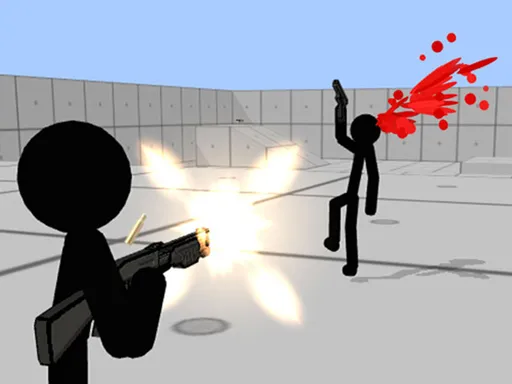
Steady hands win in Shoot Z, a 3D stickman sniper game built around accuracy. Your targets are the red figures on screen, and the way to take them out is to keep a finger pressed on the screen until the shot lands.
It sounds easy, but the challenge is patience and precision. Rushing means missing, and the game rewards players who take a breath and line things up properly. The publisher pitches it as a way to sharpen your aim, and it is easy to pick up for a few quick minutes. On a computer, press and hold the mouse button in place of a finger, and nothing needs to be downloaded.
Game details
| Genre | Stickman |
|---|---|
| Controls | Mouse or touch |
| Platform | Browser, phone and tablet |
| Cost | Free, no download |
| Screen | 800 x 600 px |
How to play Shoot Z
- Find the red figure on screen.
- Press and hold, using a finger or the mouse button, to line up the shot.
- Keep holding steady until the shot hits the target.
- Move on to the next red target and repeat.
Tips for Shoot Z
- Hold still and let the aim settle instead of jerking around.
- Only the red figures are targets, so ignore anything that is not red.
- Take one clean shot rather than several rushed ones.
Frequently asked questions
Is Shoot Z free to play?
Yes. It is free, runs in your browser and needs no download or sign-up.
How do I shoot in Shoot Z?
Press and hold on the screen with your finger, or hold the mouse button on a computer, until the shot lands on the red target.
What is the goal of Shoot Z?
Take out the red targets with accurate shots. The game is about patience and aiming skill, not speed.
More to play: Stickman games · 3D games · Kids games · Shooting games · Sniper games
Popular topics: 3d games · gun · kid · kill · killing · shoot
Categories
3D Shooting Stickman Kids Sniper
Tags Comments