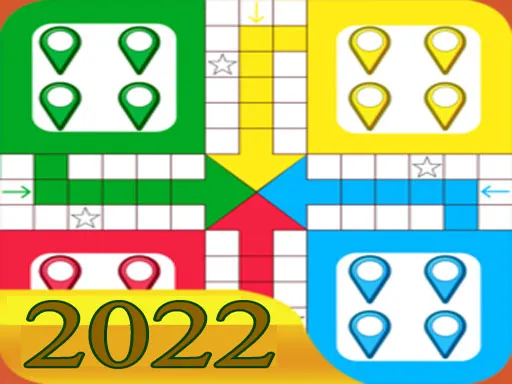
Classic
Played 2 times.


About Classic
Some games are about simple fun rather than big promises, and this one fits that mold. The name says classic, and the aim is an easy, friendly pick-up-and-play experience for kids and family members.
Very little is spelled out about the details, so approach it as a relaxed casual game and let the on-screen prompts guide you. The tags hint at quizzes, puzzles and skill-based play, which makes it a fine choice for a quick break. It loads in the browser, so a phone, tablet or computer is all you need, and there are no downloads to wait for.
Game details
| Genre | Stickman |
|---|---|
| Controls | Mouse or touch |
| Platform | Browser, phone and tablet |
| Cost | Free, no download |
| Screen | 800 x 600 px |
How to play Classic
- Open the game and read the on-screen prompts.
- Click or tap to interact.
- Follow the simple goal that appears.
- Play again to improve your result.
Tips for Classic
- Spend the first minute getting familiar with the controls.
- Play together with a friend or family member for more fun.
- Take your time; there is no rush to finish.
Frequently asked questions
Is Classic free to play?
Yes. Classic is free, runs in your browser and needs no download or sign-up.
Can I play Classic on a phone?
Yes. It works in a mobile browser with touch, and also on a computer with the mouse.
Who is Classic for?
It is a casual game aimed at kids and families, easy to start and suitable for short sessions.
More to play: Stickman games · Brain games · Cooking games · Fun games · Girls games
Categories
Puzzle Brain Shooter Shooting Math Stickman Fun Cooking Kids Skill Girls Quiz
Tags Comments