Remove Puzzle
Played 1 times.


About Remove Puzzle
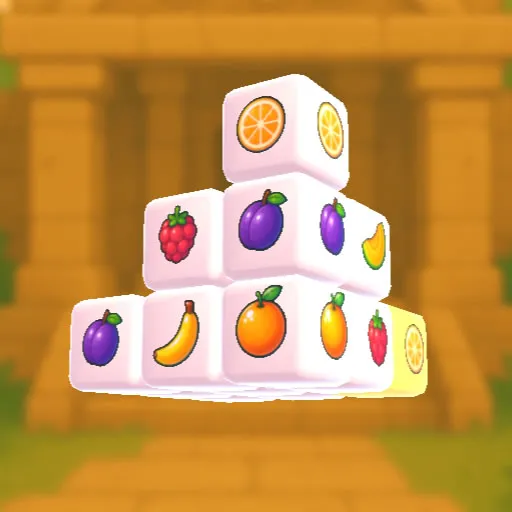
Clearing the screen one square at a time sounds easy until the squares start blocking each other. Remove Puzzle gives you a pile of squares in each level and one rule: you can only take out a square along a direction where nothing stands in its way.
That rule turns every level into an ordering problem. Remove the wrong square first and you may seal off the ones behind it. Each new level arranges the squares differently, and the later ones get harder. It was made with children in mind and is free in the browser. Click with a mouse on a PC, or press the on-screen buttons on a phone.
Game details
| Genre | Puzzle |
|---|---|
| Controls | Mouse or touch |
| Platform | Browser, phone and tablet |
| Cost | Free, no download |
| Screen | 1280 x 720 px |
How to play Remove Puzzle
- Look at the squares and find ones with a clear path.
- Click a square, or press the on-screen button on a phone, to remove it.
- Keep clearing in an order that does not trap other squares.
- Remove them all to pass the level.
Tips for Remove Puzzle
- Work out which squares are blocked and which are free before you click.
- Remove the square that frees the most others first.
- Replay a level with a different order if you get stuck.
Frequently asked questions
Is Remove Puzzle free to play?
Yes. Remove Puzzle is free, runs in your browser, and needs no download or sign-up.
How do I control Remove Puzzle?
Click with the mouse on a PC, or use the on-screen buttons on a phone.
Which squares can I remove in Remove Puzzle?
Only squares that have an unblocked direction. Clear every square on the screen to pass the level.
More to play: Puzzle games · 3D games · Brain games · Fun games
Categories Tags Comments