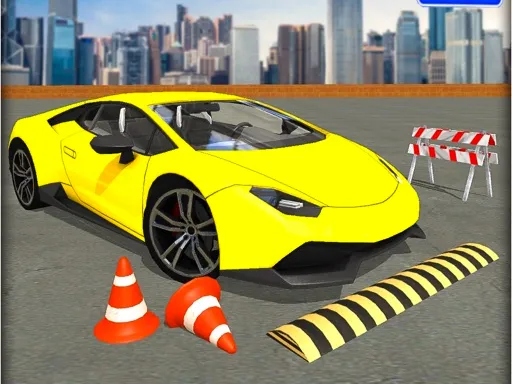
Racing in City: In Car Driving
Played 2 times.


About Racing in City: In Car Driving
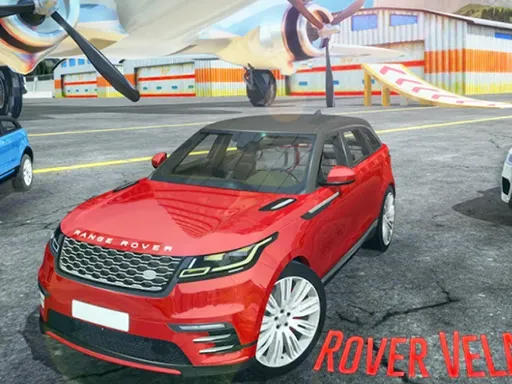
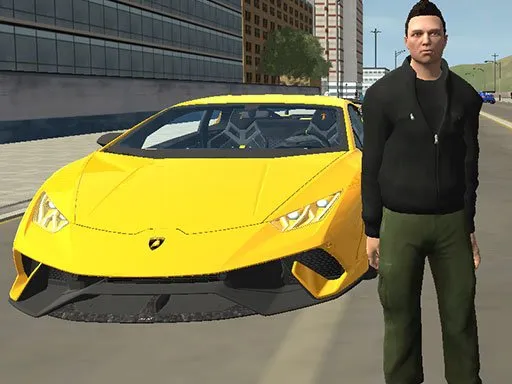
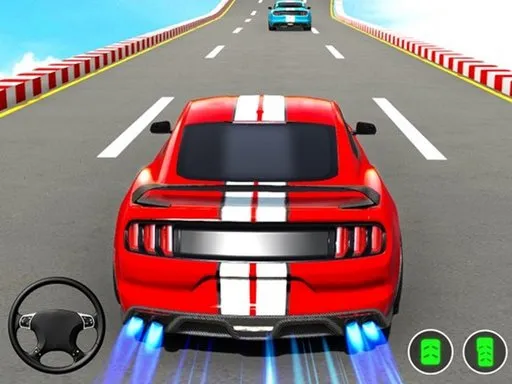
Close calls are how you score in Racing in City: In Car Driving. You drive through city traffic and earn better points by speeding up or passing other cars at a tight distance, so the risk is part of the reward. The listing mentions missions, upgrades and a garage of thirteen different cars across hatchbacks, sedans and off-road vehicles.
The keyboard handles the driving, so a computer gives the most precise control, though the game is marked mobile-friendly. Start by learning how close you can pass safely. It opens in your browser at 900x600 with no download or sign-up.
Game details
| Genre | Racing |
|---|---|
| Controls | Keyboard |
| Platform | Browser, phone and tablet |
| Cost | Free, no download |
| Screen | 900 x 600 px |
How to play Racing in City: In Car Driving
- Use the keyboard to accelerate, brake and steer.
- Weave through the city traffic.
- Pass other cars closely or speed up to score more points.
- Complete missions and upgrade your car.
Tips for Racing in City: In Car Driving
- Aim for close passes only when you have a clear escape lane.
- Spend points on upgrades that make your car easier to control.
- Do missions early to learn the pace of traffic.
Frequently asked questions
Is Racing in City: In Car Driving free to play?
Yes. Racing in City: In Car Driving is free, runs in your browser and needs no download or sign-up.
What controls does Racing in City: In Car Driving use?
Keyboard controls for steering, accelerating and braking. A computer is best, though the game is also marked mobile-friendly.
How do I score more in Racing in City: In Car Driving?
Go fast and slip close beside other vehicles on the road. Riskier driving earns better points.
More to play: Racing games · Car games · Simulation games · Truck games
Categories Tags Comments