Racing Cars 2
Played 2 times.


About Racing Cars 2
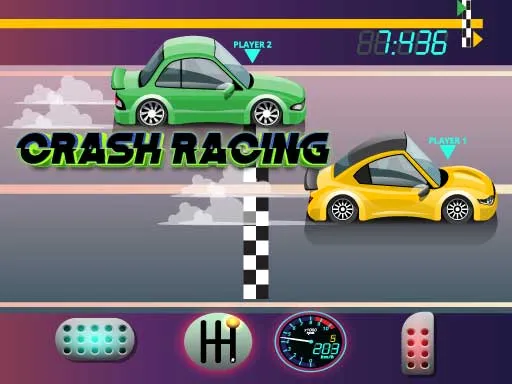
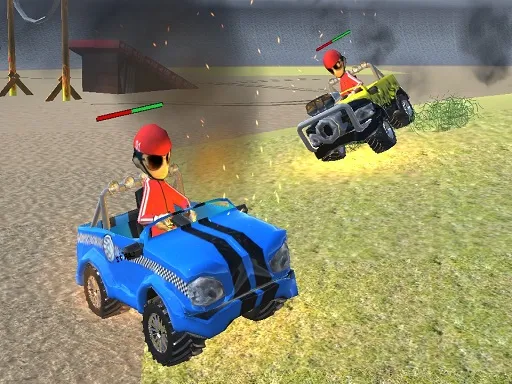
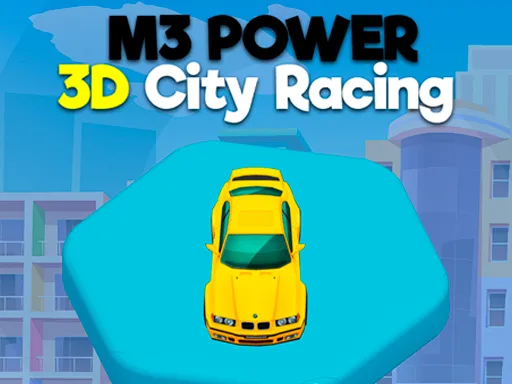
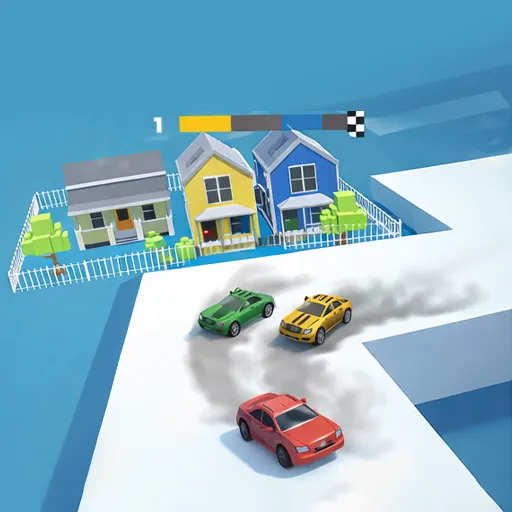
Solo levels or multiplayer races, you pick. Racing Cars 2 is a driving game that gives you both options, so you can practice alone on a level or take on other drivers in a race.
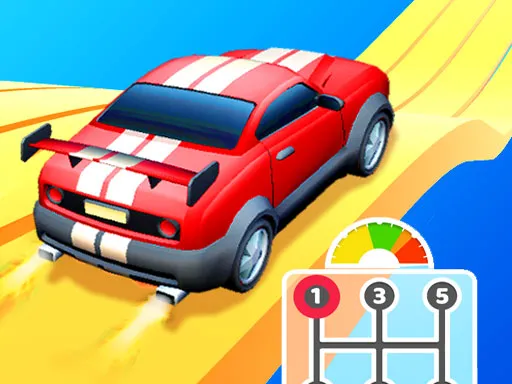
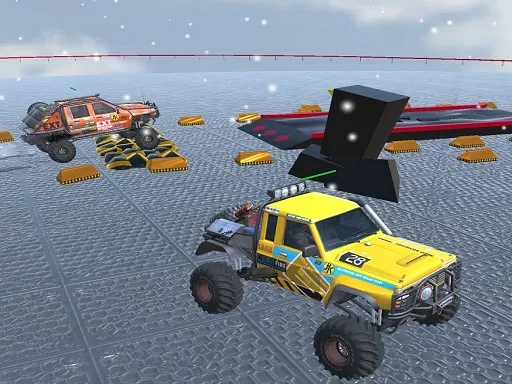
Controls are small and clear: steer with A and D or the left and right arrows, and press W or the up arrow to jump. That jump key is a notable detail, since it suggests the courses have gaps and bumps that you cannot just drive through. It is a light, quick game that opens straight in your browser with no download. A computer keyboard is the comfiest way to play, but the game is flagged as mobile-friendly too.
Game details
| Genre | Racing |
|---|---|
| Controls | Keyboard |
| Platform | Browser, phone and tablet |
| Cost | Free, no download |
| Screen | 960 x 600 px |
How to play Racing Cars 2
- Choose a single-player level or a multiplayer race.
- Steer with A and D or the left and right arrows.
- Press W or the up arrow to jump over obstacles.
- Reach the end of the course before the other cars.
Tips for Racing Cars 2
- Learn the jump timing in a single-player level before entering a multiplayer race.
- Tap the steering keys in short bursts to keep the car stable on rough ground.
- Jump slightly before an obstacle, not directly on it, to give yourself landing room.
Frequently asked questions
Is Racing Cars 2 free?
Yes. Racing Cars 2 is free, plays in your browser, and needs no download or sign-up.
What keys does Racing Cars 2 use?
Steer with A and D or the left and right arrows, and jump with W or the up arrow.
Does Racing Cars 2 have multiplayer?
Yes. You can play single-player levels or join multiplayer races, depending on the mode you pick.
More to play: Racing games · Car games · Multiplayer games
Categories Tags Comments