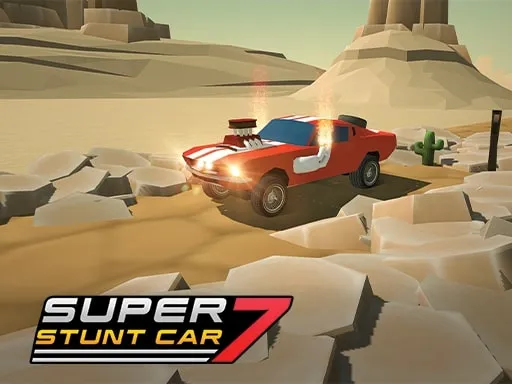
Racing Cars
Played 2 times.


About Racing Cars
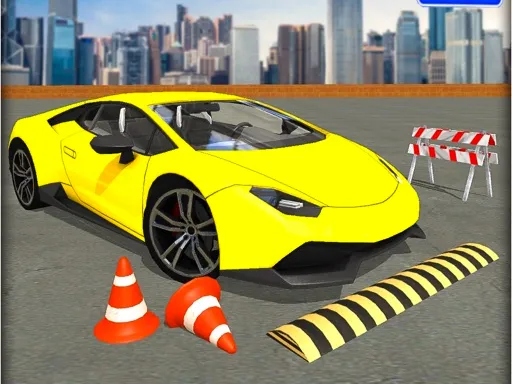
Tune it, drive it, win with it. Racing Cars lets you modify your car before each race and then take on computer-controlled opponents, with first place as the target in every one of its 30 levels.
The control scheme could not be simpler: it is all arrow keys, so there is little to learn before your first lap. What keeps it interesting is the climb through the levels, where each new race gives you another chance to refine your car and your driving. It loads straight in the browser, and the mobile tag means you can try it on a phone or tablet too.
Game details
| Genre | Racing |
|---|---|
| Controls | Keyboard |
| Platform | Browser, phone and tablet |
| Cost | Free, no download |
| Screen | 960 x 600 px |
How to play Racing Cars
- Open the game and customize your car.
- Start the first level against the AI cars.
- Drive with the arrow keys.
- Overtake the opponents and cross the line first.
- Progress through all 30 levels.
Tips for Racing Cars
- Customize the car between levels so it stays competitive as the races get harder.
- Do not fight for the lead on lap one; settle in and pass cleanly later.
- Keep your line smooth in corners, as heavy braking tends to cost more time than it saves.
Frequently asked questions
Is Racing Cars free?
Yes. Racing Cars is free to play in your browser, without any download or sign-up.
How do I drive in Racing Cars?
The arrow keys drive the car. The game is listed for mobile, so touch play may be available as well.
How many levels are in Racing Cars?
There are 30 levels. In each one you compete with computer-driven cars, aiming for first.
More to play: Racing games · Car games
Categories Tags Comments