BMW City 2
Played 1 times.


About BMW City 2
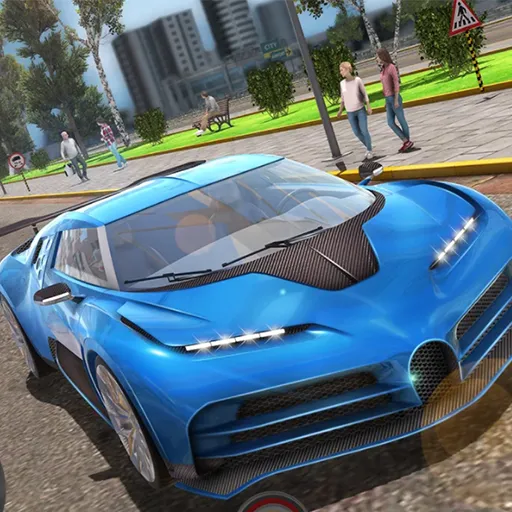
Sideways is the preferred direction in BMW City 2, a drifting game where the goal is to finish each level and post a better score. The publisher lists two drift tracks and six cyberpunk-style cars to try.
Extras give it replay value: a slow-motion mode, a record feature that lets you watch your best run again, and several camera views, including the driver's seat and a rear view. Controls are on the keyboard. Cars, buses and trucks also appear in its tags, so there may be more to explore than racing alone, all inside your browser.
Game details
| Genre | Racing |
|---|---|
| Controls | Keyboard |
| Platform | Browser, phone and tablet |
| Cost | Free, no download |
| Screen | 1280 x 720 px |
How to play BMW City 2
- Use the keyboard to accelerate and steer.
- Slide into corners to start a drift.
- Hold your drift through the bends for a better score.
- Switch the camera angle if you want a different view.
- Finish the level, then replay it to improve.
Tips for BMW City 2
- Try the driver's view and the rear view to see which suits your drifting.
- Brake before the corner, then power out of it.
- Replay levels to chase a better score once you know the track.
Frequently asked questions
Is BMW City 2 free to play?
Yes. BMW City 2 is free, runs in your browser and needs no download or sign-up.
What controls does BMW City 2 use?
Keyboard controls. The game is flagged as mobile-friendly, but a keyboard is best for drifting.
What can I do in BMW City 2?
Drift on two tracks with a choice of six cyberpunk-style cars, use slow motion and switch between camera views.
More to play: Racing games · Car games · Parking games · Simulation games · Truck games
Categories
Racing Car Truck Simulation Parking
Tags Comments