Racer Need for Speed Traffic Asphalt 8
Played 2 times.


About Racer Need for Speed Traffic Asphalt 8
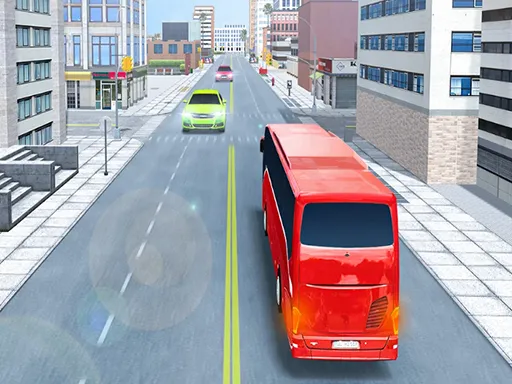
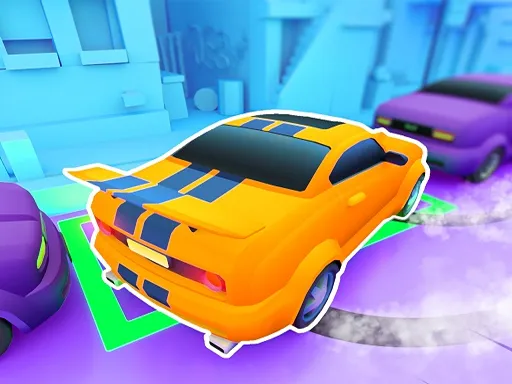
Lane-switching is the whole trick in Racer Need for Speed Traffic Asphalt 8. Cars keep coming down the road, and your job is to hop to another track at the right moment so you never crash while the score keeps climbing.
One person can play, or two can share the screen. Clicking or tapping anywhere switches track, and the keyboard alternative is the Shift key or the up arrow. A gamepad works as well, for either one or two players. Because the control is a single action, it suits quick sessions and friendly score battles on a phone, tablet or desktop browser.
Game details
| Genre | Racing |
|---|---|
| Controls | Keyboard + mouse or touch |
| Platform | Browser, phone and tablet |
| Cost | Free, no download |
| Screen | 800 x 600 px |
How to play Racer Need for Speed Traffic Asphalt 8
- Click or tap the screen to switch to another track.
- On a keyboard, press Shift or the up arrow instead.
- Dodge the oncoming cars so you do not crash.
- Collect score for as long as you stay alive.
Tips for Racer Need for Speed Traffic Asphalt 8
- Switch a little before a car reaches you rather than at the last second.
- Stay relaxed; frantic repeated taps make you change lanes when you did not mean to.
- In two-player mode, agree who plays first and compare scores after each round.
Frequently asked questions
Is Racer Need for Speed Traffic Asphalt 8 free?
Yes. It is free, runs in your browser, and needs no download or sign-up.
What controls does Racer Need for Speed Traffic Asphalt 8 use?
Click or tap to change track, or press Shift or the up arrow. A gamepad for one or two players also works.
Can two people play Racer Need for Speed Traffic Asphalt 8?
Yes. The game supports one or two players, and a gamepad is accepted for each of them.
More to play: Racing games · Action games · Adventure games · Arcade games · Car games
Categories
Racing Adventure Action Car Arcade Fun
Tags Comments