Push The Cubes
Played 2 times.


About Push The Cubes
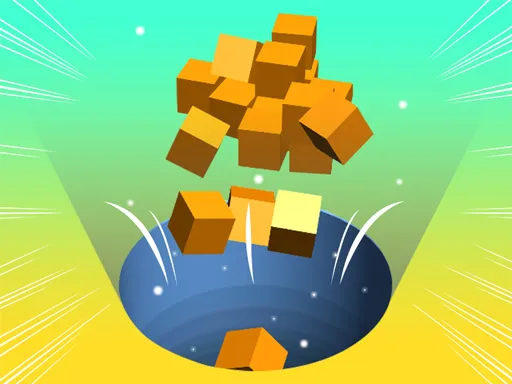
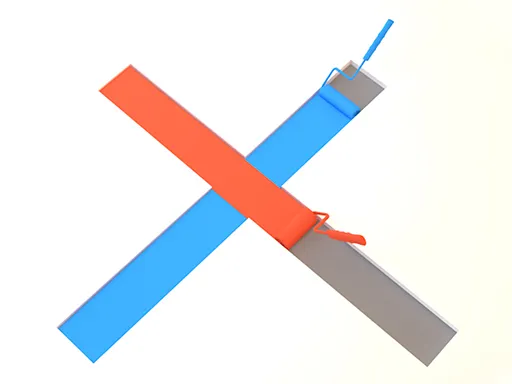
Two cubes, two sets of keys, and a level that only gives way when both cooperate. In Push The Cubes the first cube slides up and down while the second slides left and right, and the trick is that each one can shove the other into a new direction.
That split control makes every stage a small planning exercise. You will often need to park one cube in the right spot so the other can bump it where you want. The game is set in 3D and offers touch support, though the keyboard layout is clearly the main design, so a computer is the comfortable choice. If a plan collapses, a quick restart costs you nothing.
Game details
| Genre | Puzzle |
|---|---|
| Controls | Keyboard |
| Platform | Browser, phone and tablet |
| Cost | Free, no download |
| Screen | 800 x 600 px |
How to play Push The Cubes
- Move the first cube up and down with W and S or the Up and Down arrows.
- Move the second cube left and right with A and D or the Left and Right arrows.
- Push one cube with the other to send it in a new direction.
- Press R to restart a level, or Escape to return to the menu.
Tips for Push The Cubes
- Work out where each cube can actually travel before you move either of them.
- Use one cube as a blocker so the other can push it into position.
- Do not hesitate to hit R when you are stuck; a fresh attempt is quick.
Frequently asked questions
Is Push The Cubes free?
Yes. Push The Cubes is free to play in your browser, with no download and no sign-up needed.
What are the controls in Push The Cubes?
W and S or the Up and Down arrows move the first cube. A and D or the Left and Right arrows move the second. R restarts, Escape opens the menu.
How do the cubes interact in Push The Cubes?
Each cube is limited to one axis, but one can shove the other, which lets you redirect a cube along a path it could not travel alone.
More to play: Puzzle games · 3D games
Categories Tags Comments