Project Drift 2.0
Played 1 times.


About Project Drift 2.0
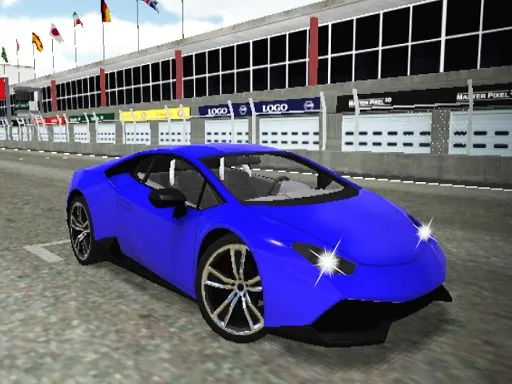
Make the car yours, then see how it slides. Project Drift 2.0 lets you design a drift machine of your own, with engines strong enough to perform impressively on the road surface.
There are no controls listed on the page, so check the on-screen prompts when you start; on a computer, the keyboard is the more precise option. The focus is on the feel of the drift itself, which is why a bit of experimenting with your setup pays off. Tweak, test, adjust and enjoy watching your car carve its way sideways.
Game details
| Genre | Racing |
|---|---|
| Controls | Mouse or touch |
| Platform | Browser, phone and tablet |
| Cost | Free, no download |
| Screen | 800 x 600 px |
How to play Project Drift 2.0
- Open the game and look at the on-screen prompts for controls.
- Design your car the way you like it.
- Head to the track and start driving.
- Throw the car into corners to start a drift.
- Return to tweak your design and try again.
Tips for Project Drift 2.0
- Change one thing about your car at a time so you can feel what it does.
- Start with slow, wide drifts before attempting tight, fast ones.
- Keep steering inputs smooth; sudden corrections usually end in a spin.
Frequently asked questions
Is Project Drift 2.0 free to play?
Yes. It is free in your browser, with no download and no sign-up.
How do I control Project Drift 2.0?
Follow the prompts shown in the game. A keyboard on a computer usually gives the most precise control.
Can I customize cars in Project Drift 2.0?
Yes. You put together a drift car of your own design before heading out onto the road.
More to play: Racing games
Categories Tags Comments