Grand City Driving
Played 1 times.


About Grand City Driving
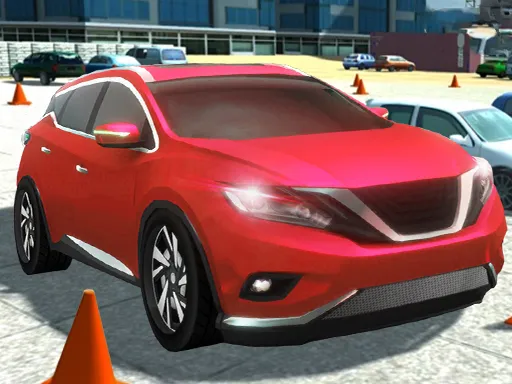
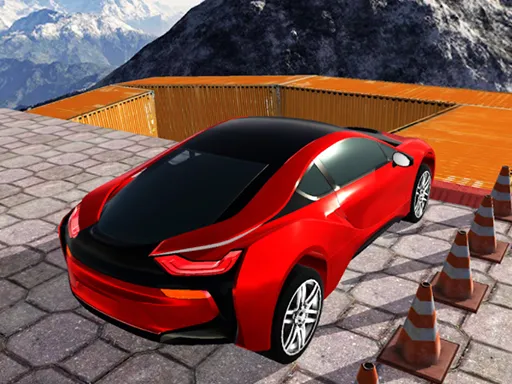
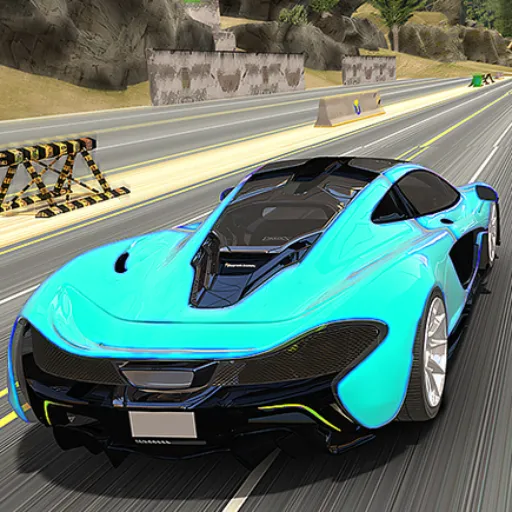
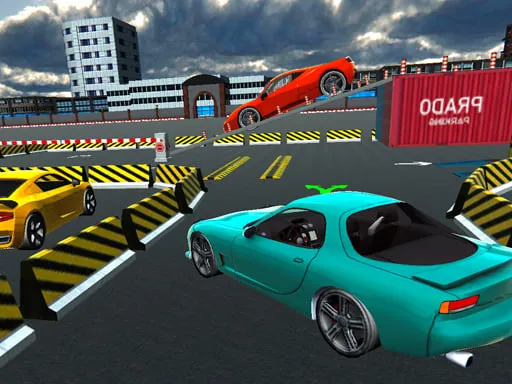
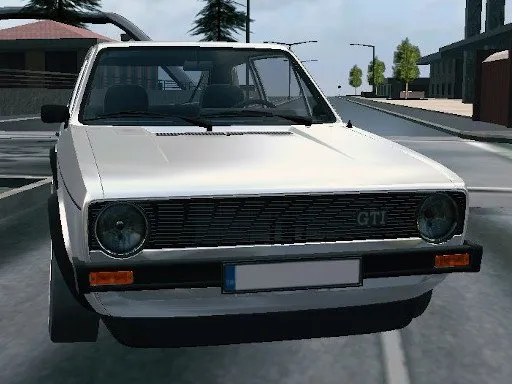
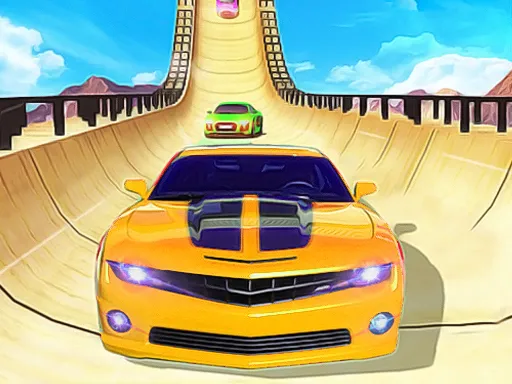
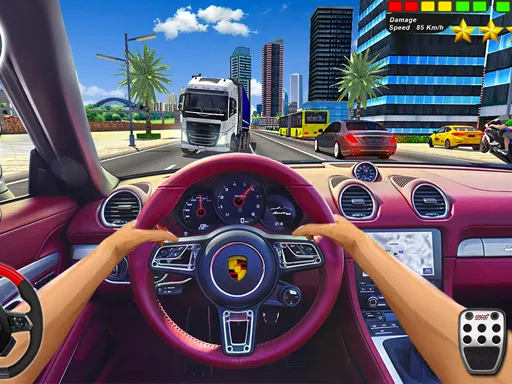
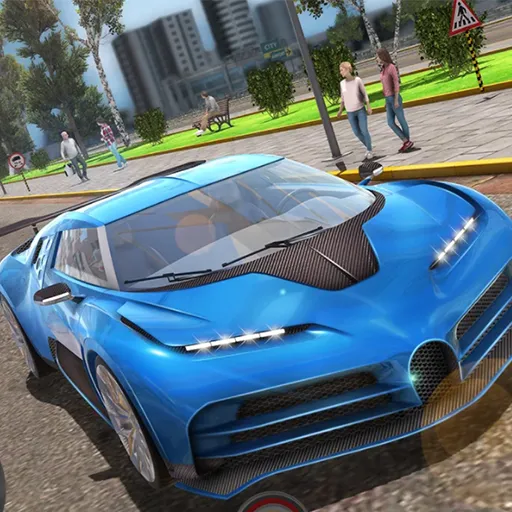
Supercars on a grand city map make Grand City Driving a relaxed test-drive experience rather than a strict race. You pick from a lineup of fast cars and cruise through the streets, using the sandbox feel to see what each one can do.
W, A, S and D steer and accelerate, the spacebar brakes and C cycles through camera views. Everything runs in the browser using Unity and WebGL, so there is nothing to install. It suits short sessions when you just want to enjoy driving, and the 3D city gives you plenty of road to explore.
Game details
| Genre | Racing |
|---|---|
| Controls | Keyboard |
| Platform | Browser, phone and tablet |
| Cost | Free, no download |
| Screen | 960 x 600 px |
How to play Grand City Driving
- Choose a supercar from the selection.
- Drive with W, A, S and D.
- Press the spacebar to brake.
- Press C to change the camera as you explore the city.
Tips for Grand City Driving
- Try different camera views to find the one that makes turning easiest.
- Brake before junctions; supercars cover ground faster than they look.
- Take a slow first lap to learn the layout, then drive faster.
Frequently asked questions
Is Grand City Driving free?
Yes. It is free, plays in your browser and needs no download or sign-up.
What controls does Grand City Driving use?
W, A, S and D drive, the spacebar brakes and C changes the camera. A computer keyboard works best.
What can I do in Grand City Driving?
You can pick a supercar and try it out on the streets of a large city at your own pace.
More to play: Racing games · 3D games · Car games · Simulation games
Categories Tags Comments