PolyPilot: Park n Smile
Played 1 times.


About PolyPilot: Park n Smile
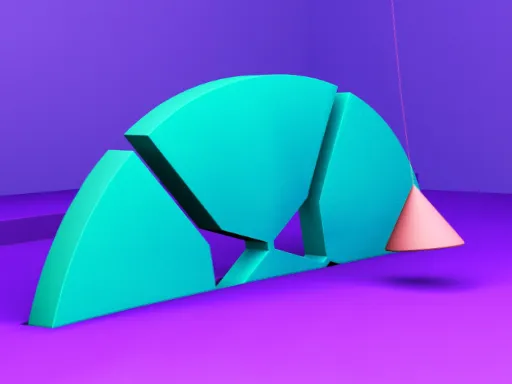
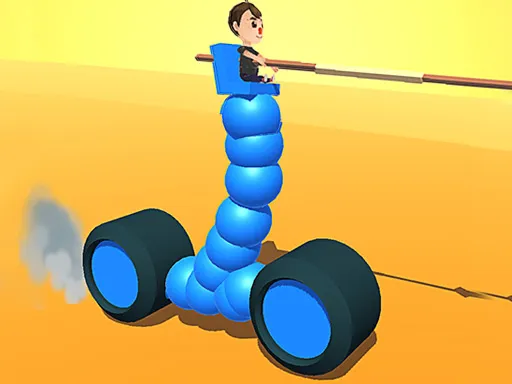
Cartoon cars and chunky low-poly scenery make parking feel a lot friendlier than it does in real life. PolyPilot: Park n Smile gives you a set of parking challenges to work through, from city streets to quieter countryside spots.
Tight spaces and obstacles ask for precision, and the scenery changes as you go. You drive with W, A, S and D and brake with the space bar. Hold the mouse button and drag to swing the camera around, which also lets you move through menus. It is best on a computer with a keyboard, and a careful, patient style is rewarded.
Game details
| Genre | Puzzle |
|---|---|
| Controls | Keyboard + mouse or touch |
| Platform | Browser, phone and tablet |
| Cost | Free, no download |
| Screen | 900 x 600 px |
How to play PolyPilot: Park n Smile
- Drive with W, A, S and D.
- Press the space bar to brake.
- Hold the mouse button and sweep to turn the camera.
- Guide the vehicle carefully into the parking spot.
Tips for PolyPilot: Park n Smile
- Adjust the camera before a tight maneuver so you can see around the vehicle.
- Brake early. Small, gentle corrections are better than sudden stops.
- Study the obstacles around the space before you drive in.
Frequently asked questions
Is PolyPilot: Park n Smile free?
Yes. PolyPilot: Park n Smile is free to play in your browser, with no download and no sign-up.
What are the controls in PolyPilot: Park n Smile?
Use W, A, S and D to drive and the space bar to brake. Hold the button and sweep the mouse to turn the camera.
What is the goal of PolyPilot: Park n Smile?
Park your vehicle in a series of challenging spots, avoiding obstacles and tight spaces along the way.
More to play: Puzzle games · 3D games
Categories Tags Comments