Point Drag
Played 2 times.


About Point Drag
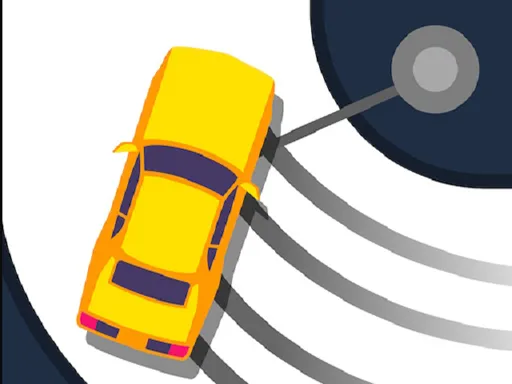
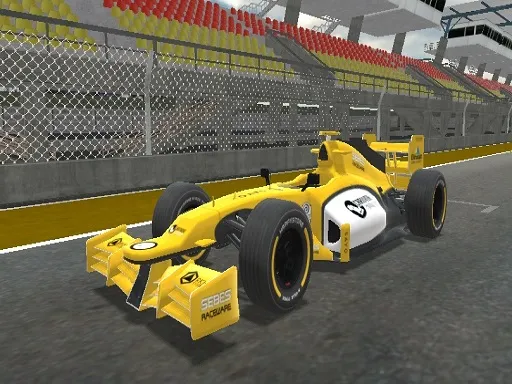
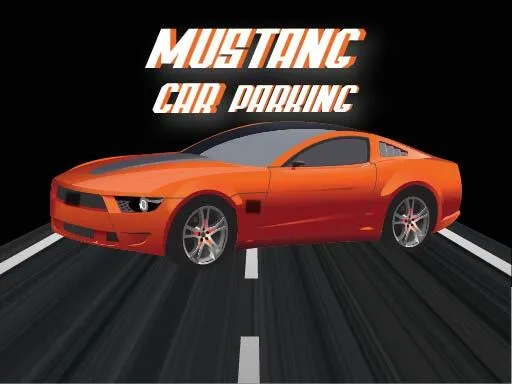
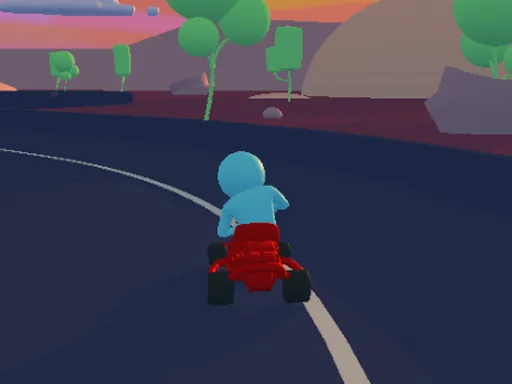
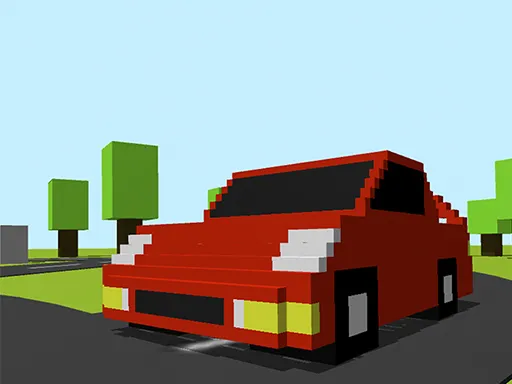
Drifting with one finger sounds simple until the corners arrive. Point Drag puts you in a sports car and asks you to slide around the track using only your mouse or your touch screen. Four different cars are on offer, so there is a bit of variety in how each one feels.
The key is keeping to the tarmac while still pushing the car sideways through the bends. Overdo it and you run wide; hold back and the result suffers. The portrait layout suits a phone nicely, but it also works with a mouse on a computer. A short run, a quick retry and a slightly better score is the loop that keeps it entertaining.
Game details
| Genre | Sports |
|---|---|
| Controls | Mouse or touch |
| Platform | Browser, phone and tablet |
| Cost | Free, no download |
| Screen | 720 x 1280 px |
How to play Point Drag
- Choose a car and start the run.
- Press and drag with your finger or mouse to steer.
- Slide through the corners without leaving the track.
- Finish the run and try to beat your best result.
Tips for Point Drag
- Start gentle with your steering and add more angle once you feel the slide.
- Look ahead for the next corner instead of watching the car's nose.
- If you keep running wide, try a different car.
Frequently asked questions
Is Point Drag free?
Yes. Point Drag is free and runs in your browser, with no download or sign-up.
How do I steer in Point Drag?
Use your finger on a touch screen or your mouse on a computer. You drag to steer the car through the corners.
How many cars are in Point Drag?
There are four different cars to try, each giving the drifting a slightly different feel.
More to play: Sports games · Car games · Racing games
Categories Tags Comments