City Racing 3D
Played 1 times.


About City Racing 3D
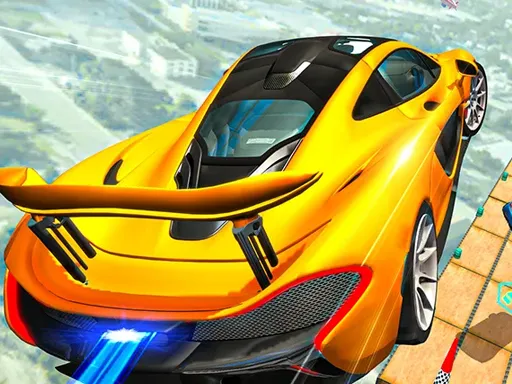
Traffic is the obstacle course in City Racing 3D. You race through city streets in 3D, threading between other vehicles and using drifts and stunts to look flashy as you go. Cars can be upgraded and customized in the original description, which hints at a game about building something you like to drive.
The game uses keyboard controls for steering, acceleration and braking, so a computer is the better choice, although it is marked mobile-friendly. Expect to learn the gaps in traffic and how much room your car needs. It opens in your browser at 900x600 with no download or sign-up.
Game details
| Genre | Racing |
|---|---|
| Controls | Keyboard |
| Platform | Browser, phone and tablet |
| Cost | Free, no download |
| Screen | 900 x 600 px |
How to play City Racing 3D
- Use the keyboard to accelerate, brake and steer.
- Weave between cars on the city road.
- Drift and jump to pull off stunts.
- Finish ahead of the competition.
Tips for City Racing 3D
- Choose your gap two cars ahead, not the one right in front.
- Brake before the corner, not during it.
- Take stunts only on clear sections of road.
Frequently asked questions
Is City Racing 3D free?
Yes. City Racing 3D is free to play in your browser, with no download and no sign-up.
What controls does City Racing 3D use?
Keyboard controls for steering, accelerating and braking. A computer is best, though the game is also marked mobile-friendly.
What makes City Racing 3D different from a track racer?
You race through city streets with real traffic, so spotting gaps and avoiding other cars matters as much as speed.
More to play: Racing games · Car games · Simulation games · Truck games
Categories Tags Comments