Supercars Parking
Played 1 times.


About Supercars Parking
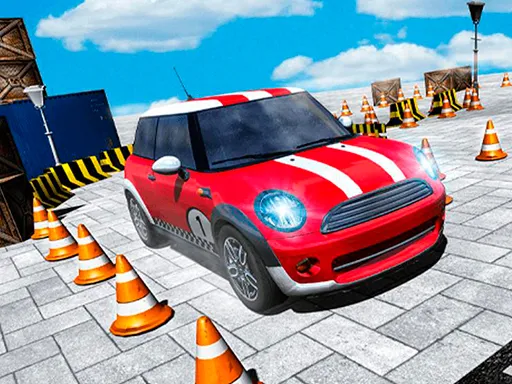
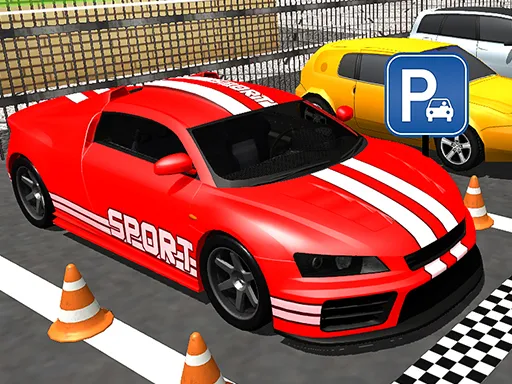
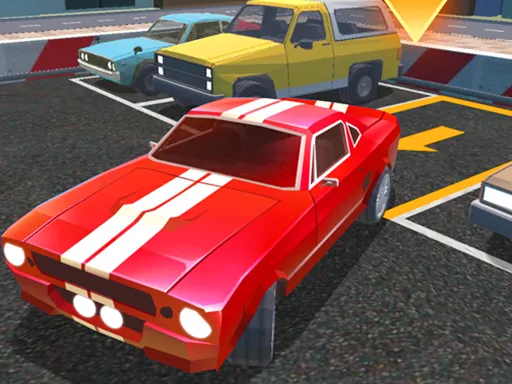
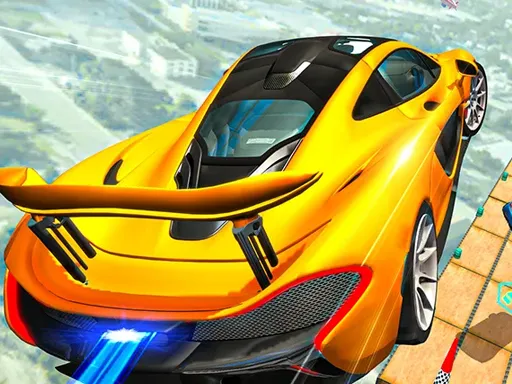
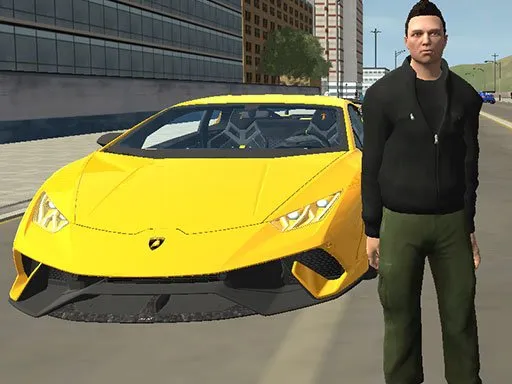
Lamborghini keys in hand, your job is to find the space and fit the car into it. Supercars Parking tests front parking, back parking and parallel parking across ten different courses, so you cannot rely on one trick.
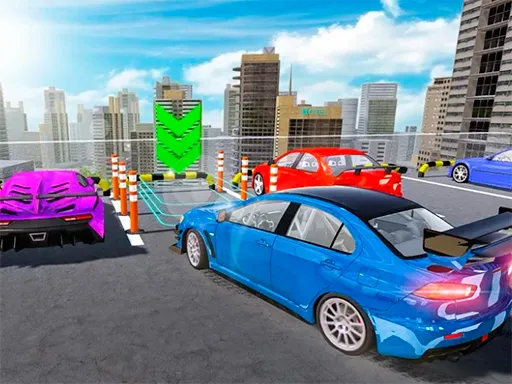
At the start of each stage you collect three stars, and doing so reveals where your parking spot actually is. That small twist turns a plain driving test into a little puzzle of routes and timing. You can steer with the arrow keys or the touch controls, which makes it easy to try on a computer or a phone.
Game details
| Genre | Racing |
|---|---|
| Controls | Keyboard + mouse or touch |
| Platform | Browser, phone and tablet |
| Cost | Free, no download |
| Screen | 854 x 480 px |
How to play Supercars Parking
- Start a course and drive your Lamborghini forward.
- Steer with the arrow keys or the touch controls.
- Pick up the three stars to reveal your parking space.
- Park in the space using front, back or parallel parking.
Tips for Supercars Parking
- Collect the stars along a smooth path so you arrive at the spot already pointing the right way.
- Use gentle taps on the controls; supercars react quickly and over-steering is easy.
- Check the spot type first, since parallel parking needs a very different approach from nose-in parking.
Frequently asked questions
Is Supercars Parking free?
Yes. Supercars Parking is free to play in your browser, with no download and no sign-up required.
How do I control Supercars Parking?
Use the arrow keys on a computer or the touch controls on a phone or tablet to accelerate, brake and steer.
How do I find my parking spot in Supercars Parking?
Drive over the three stars on the course. Collecting them reveals where your parking space is, and then you park there to finish the stage.
More to play: Racing games · Car games · Parking games
Popular topics: html5
Categories Tags Comments