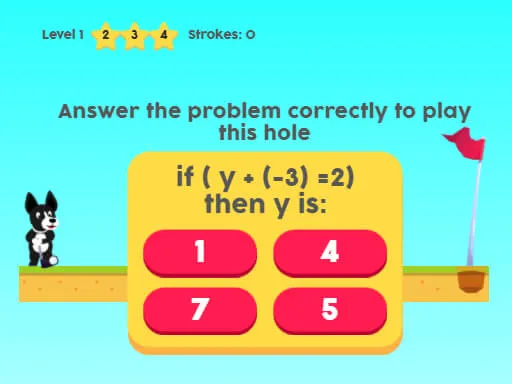
Minigolf
Played 1 times.


About Minigolf
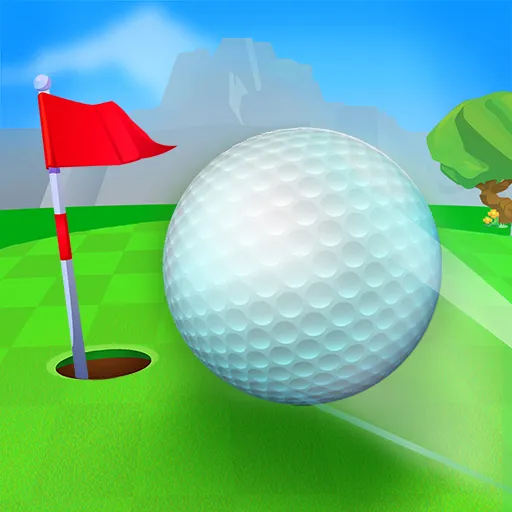
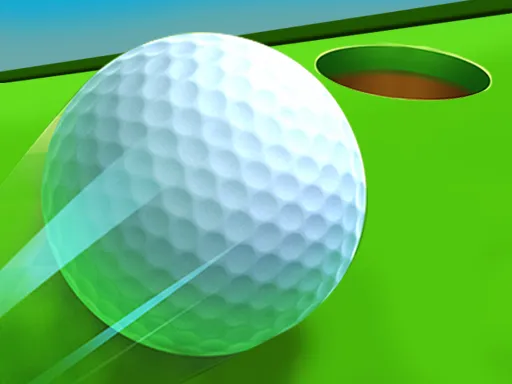
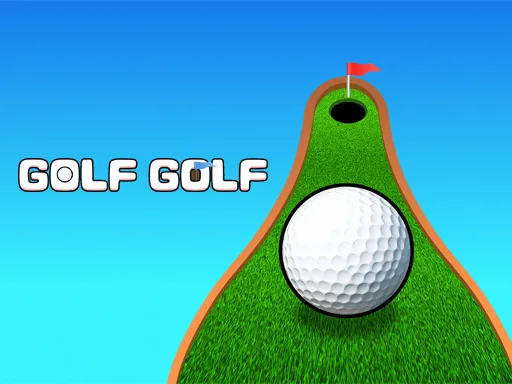
A small game with a nice habit of saving your place, Minigolf has 19 levels, each asking you to sink the ball in as few shots as you can, because the fewer you take, the higher your score.
It works across desktops, tablets and phones, so you can use a mouse or your finger depending on the device. If you do not finish in one go, you can load your previous game and continue from where you stopped. When you do reach the end, you can post your result on the leaderboard and see how your skill compares with other players.
Game details
| Genre | Sports |
|---|---|
| Controls | Mouse or touch |
| Platform | Browser, phone and tablet |
| Cost | Free, no download |
| Screen | 900 x 450 px |
How to play Minigolf
- Start a new game, or load your last saved game.
- Use the mouse or your finger to aim at the hole.
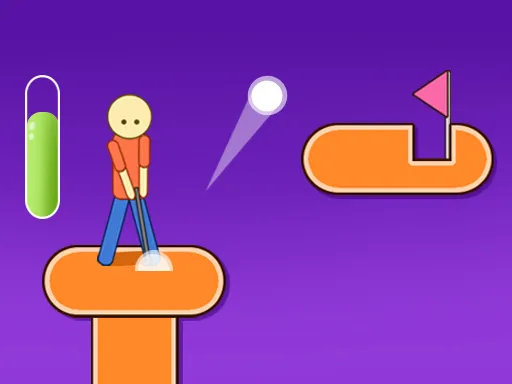
- Set your power and release to hit the ball.
- Finish each level in as few shots as possible, then post your score at the end.
Tips for Minigolf
- Think about the number of shots as your score; one careful stroke is worth more than two fast ones.
- Use gentle power near the hole, since an overhit ball can roll right past it.
- If you stop mid-game, use the load option instead of starting over to keep your progress.
Frequently asked questions
Is Minigolf free to play?
Yes. Minigolf is free and runs in your browser, with no download or sign-up needed.
Can I play Minigolf on a phone?
Yes. Use a mouse on a computer or your finger on a touch screen, since it is built to work on tablets and phones too.
Does Minigolf save my progress?
Yes, it keeps track of the level you reached. If you stop early, choose the option to load your last game and carry on.
More to play: Sports games · Golf games
Categories Tags Comments