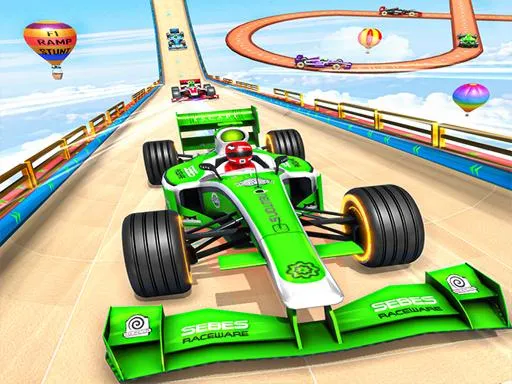
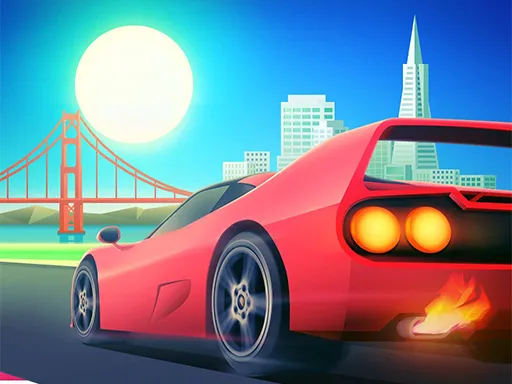
City Driving 3D
Played 2 times.


About City Driving 3D
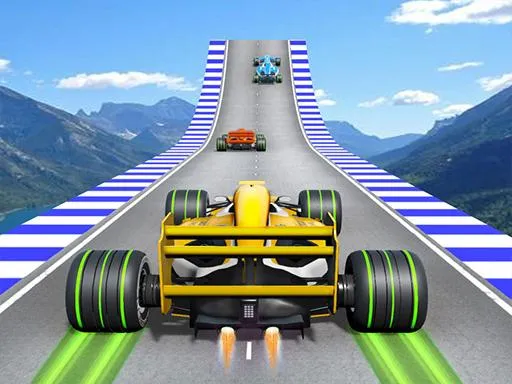
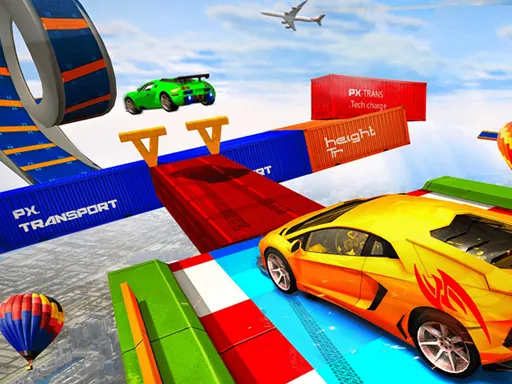
Traffic never stops on this highway, and your only job is to keep moving through it. City Driving 3D puts you behind the wheel of a car in a realistic city setting where every gap between vehicles is a chance to gain ground and every mistake costs you speed.
As you drive you earn cash, and that money buys new cars, so there is always a reason to run one more mission. The game also points you toward leaderboards, which turns each run into a small contest with other drivers. It plays in a browser tab with a mouse or keyboard, and the page is flagged as mobile friendly too.
Game details
| Genre | Sports |
|---|---|
| Controls | Keyboard + mouse or touch |
| Platform | Browser, phone and tablet |
| Cost | Free, no download |
| Screen | 960 x 600 px |
How to play City Driving 3D
- Start a drive and watch the road ahead for open lanes.
- Steer with the keyboard or the mouse, whichever feels better.
- Overtake slower cars without clipping them to keep your run alive.
- Collect the cash you earn and spend it on a new car in the garage.
Tips for City Driving 3D
- Look two or three cars ahead instead of at the bumper in front, so lane changes feel smooth.
- Do not chase every tiny gap; a safe, steady line often scores better than a risky squeeze.
- Upgrade your car when you can afford it, since a better ride gives you more room for mistakes.
Frequently asked questions
Is City Driving 3D free to play?
Yes. City Driving 3D is free, runs in your browser and needs no download or registration. Just open the page and start driving.
What controls does City Driving 3D use?
You can play with a mouse or a keyboard on a computer. The game is also listed as mobile friendly, so touch screens should work as well.
What can I buy in City Driving 3D?
The money you earn while driving can be spent on new cars. A different car changes how you tackle the traffic and the leaderboard runs.
More to play: Sports games · Car games · Hypercasual games · Puzzle games · Racing games
Categories
Racing Car Puzzle Hypercasual Sports
Tags Comments