Minecraft Wars
Played 2 times.


About Minecraft Wars
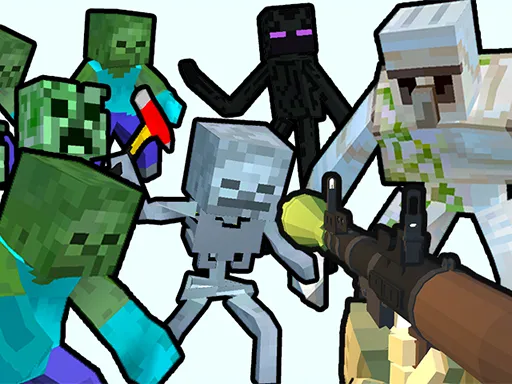
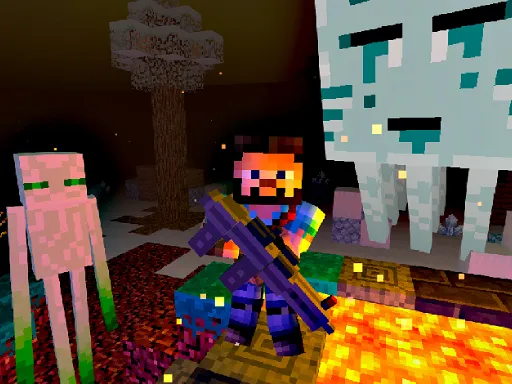
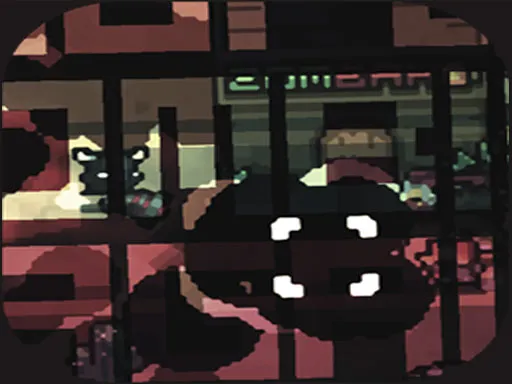
A bow, a pile of arrows and a lot of monsters: that is the whole kit in Minecraft Wars. The game uses a blocky 2D look and a simple loop of defending yourself, collecting coins and spending them to stay stocked.
You move with W, A, S and D, and a left click sends an arrow flying. Coins you pick up buy more arrows, so a good run depends on balancing aggression and economy. Waste shots and you will run dry; play too cautiously and you might not earn enough. The game is a one-player affair, and the fighting keeps a quick pace that suits short breaks.
Game details
| Genre | Shooting |
|---|---|
| Controls | Keyboard + mouse or touch |
| Platform | Browser, phone and tablet |
| Cost | Free, no download |
| Screen | 800 x 600 px |
How to play Minecraft Wars
- Move your character with W, A, S and D.
- Click the left mouse button to fire arrows.
- Shoot the monsters coming for you.
- Collect coins as you go.
- Spend coins to buy more arrows.
Tips for Minecraft Wars
- Do not waste arrows on far-off monsters; wait until they are in clear range.
- Pick up coins soon after kills so enemies do not take your attention.
- Keep a few arrows in reserve to handle surprise attacks.
Frequently asked questions
Is Minecraft Wars free to play?
Yes. Minecraft Wars is free, runs in your browser, and needs no download or sign-up.
What are the controls in Minecraft Wars?
WASD moves your character and the left mouse button shoots. A computer keyboard and mouse are the best fit.
How do I get more arrows in Minecraft Wars?
Collect coins as you play and spend them on extra arrows for your bow.
More to play: Shooting games · Action games · Adventure games · Fighting games · Minecraft games
Popular topics: 1 player · 2d · blood · collecting · fight
Categories
Adventure Action Shooter Shooting Zombie Fighting Minecraft
Tags Comments