Minecraft Puzzles
Played 2 times.


About Minecraft Puzzles
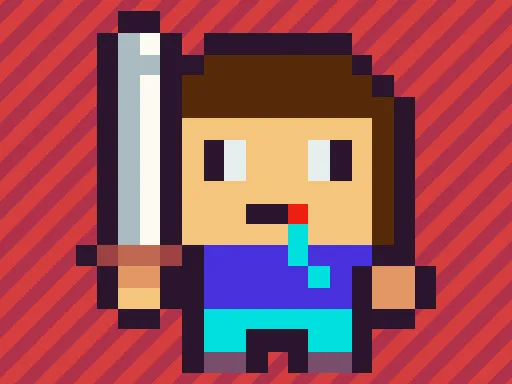
Twelve pictures, three difficulty levels, and one jigsaw to finish each time. Minecraft Puzzles lets you choose an image first, then set the challenge: easy uses 25 pieces, medium uses 49, and hard goes up to 100.
That range makes it comfortable for a quick break or a longer sit-down, and the choice is entirely yours. Pieces are handled by clicking or tapping, so it works well on a phone, a tablet or a computer. The game is free, starts right in your browser, and does not ask you to download anything or create an account.
Game details
| Genre | Puzzle |
|---|---|
| Controls | Mouse or touch |
| Platform | Browser, phone and tablet |
| Cost | Free, no download |
| Screen | 800 x 600 px |
How to play Minecraft Puzzles
- Choose any of the dozen pictures.
- Choose a mode: 25 pieces for easy, 49 for medium or 100 for hard.
- Click or tap the pieces to put them in their proper places.
- Finish the picture, then try another image or a harder mode.
Tips for Minecraft Puzzles
- Try the easy mode first to get a feel for how the pieces move.
- In bigger grids, work on one area of the picture at a time rather than jumping around.
- Use distinctive colors and shapes in the image as anchor points for the rest.
Frequently asked questions
Is Minecraft Puzzles free to play?
Yes. Minecraft Puzzles is free, runs in your browser, and needs no download or sign-up.
Can I play Minecraft Puzzles on a touch screen?
Yes. Tap the pieces on a phone or tablet, or click them with a mouse on a computer.
How many pieces are in Minecraft Puzzles?
It depends on the mode: easy has 25 pieces, medium has 49, and hard has 100.
More to play: Puzzle games · Boys games · Girls games
Categories Tags Comments