Mafia City Driving
Played 3 times.


About Mafia City Driving
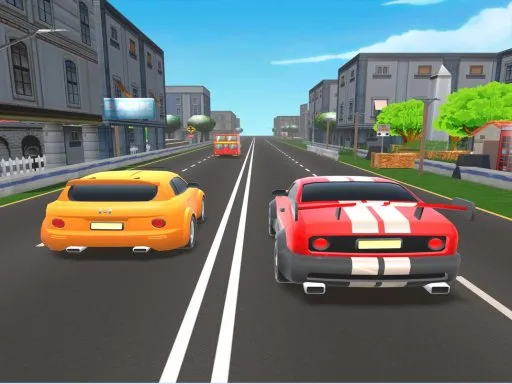
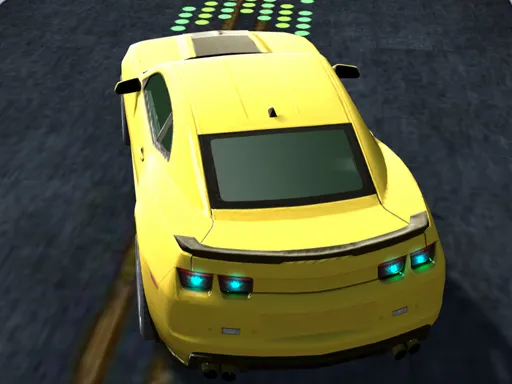
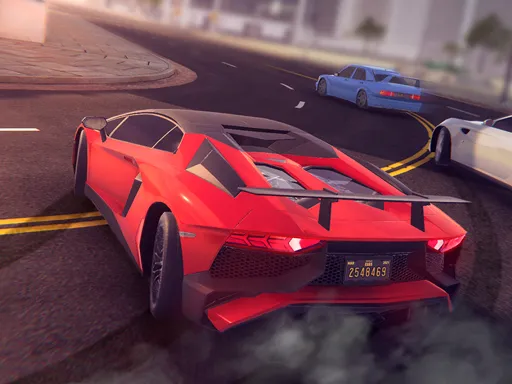
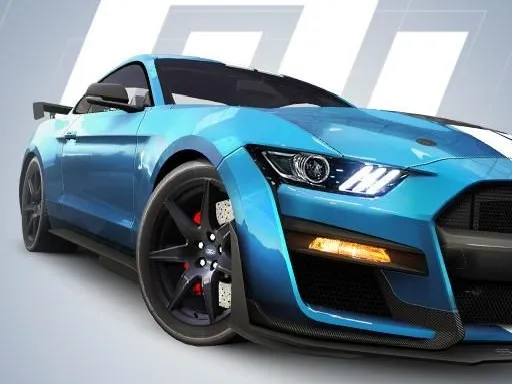
Mission by mission, Mafia City Driving sends you across a gangster-themed city in a selection of supercars. It is a 3D driving game rather than a pure race, so the focus is on getting around the streets and completing objectives with a fast car.
Controls follow a familiar pattern: W, A, S and D to drive, the spacebar to brake and C to change the camera. That layout makes it easy to pick up straight away. Built with Unity and WebGL, it runs in the browser with nothing to download, which makes it a comfortable fit for a casual session.
Game details
| Genre | Racing |
|---|---|
| Controls | Keyboard |
| Platform | Browser, phone and tablet |
| Cost | Free, no download |
| Screen | 960 x 600 px |
How to play Mafia City Driving
- Select a supercar from the list.
- Drive with W, A, S and D.
- Press the spacebar to brake and C to change the camera.
- Follow the mission objectives around the city.
Tips for Mafia City Driving
- Use the camera key to find a view that shows upcoming turns clearly.
- Brake before intersections; supercars cover distance faster than you expect.
- Try several cars to find the one that suits your driving style.
Frequently asked questions
Is Mafia City Driving free?
Yes. It is free, plays in the browser and needs no download or sign-up.
What are the controls in Mafia City Driving?
W, A, S and D drive, the spacebar brakes and C changes the camera. A computer keyboard works best.
What do you do in Mafia City Driving?
You choose a supercar and complete missions as you drive around a mafia-themed city.
More to play: Racing games · 3D games · Car games · Simulation games
Categories Tags Comments