RCK Parking SuperCars
Played 2 times.


About RCK Parking SuperCars
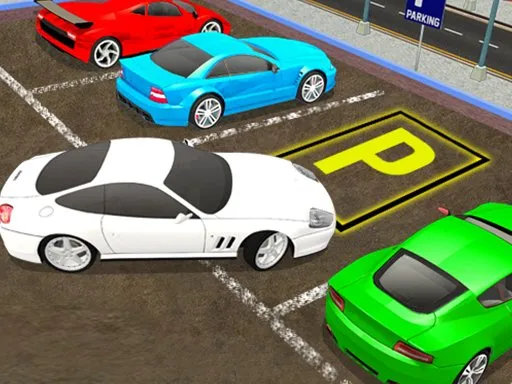
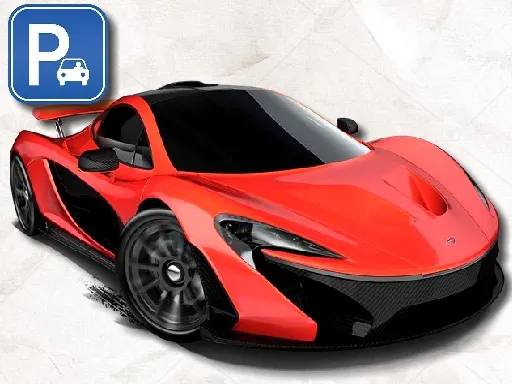
Fast cars are hard to park, and that is exactly the point. RCK Parking SuperCars adds new physics to a 3D parking challenge, so the quick supercars need a gentle hand and good judgment to slide into the bay.
There are 100 unique levels, and finishing them earns XP that you can spend on new cars and fresh colors for each one. Steering uses W, A, S and D with Space for the brake, G to reset your car and Tab to open the menu. A computer keyboard is the best way to play, though the game is marked as mobile-friendly.
Game details
| Genre | Racing |
|---|---|
| Controls | Keyboard |
| Platform | Browser, phone and tablet |
| Cost | Free, no download |
| Screen | 800 x 600 px |
How to play RCK Parking SuperCars
- Use W, A, S and D to drive the supercar.
- Steer toward the parking area for the level.
- Press Space to brake and ease the car into position.
- Press G to reset the car if you get stuck.
- Finish the level to earn XP and unlock new cars and colors.
Tips for RCK Parking SuperCars
- Approach slowly; supercars gain speed far faster than you expect.
- Brake early and let the car roll into the spot.
- Use G to reset instead of struggling with a bad angle.
Frequently asked questions
Is RCK Parking SuperCars free to play?
Yes. RCK Parking SuperCars is free, runs in your browser, and needs no download or sign-up.
What are the controls in RCK Parking SuperCars?
Use W, A, S and D to drive, Space to brake, G to reset the car and Tab for the menu. A computer keyboard is the easiest option.
How many levels are in RCK Parking SuperCars?
The game offers 100 unique levels. Completing them earns XP, which you can spend on new cars and colors for each car.
More to play: Racing games · Car games · Parking games
Categories Tags Comments