Infinity Ops FPS
Played 1 times.


About Infinity Ops FPS
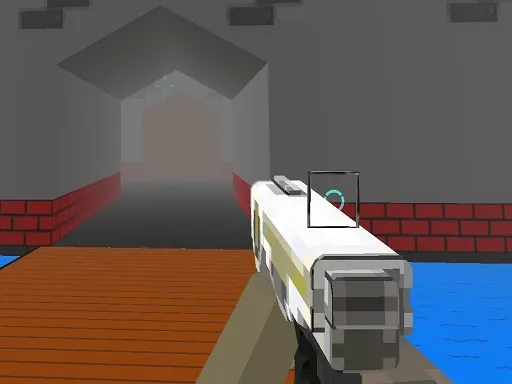
Missions, weapons and a first-person view make up the core of Infinity Ops FPS. It is a 3D army shooter with a no-nonsense structure, and the fun lies in how you handle each situation.
Controls are the classic set. WASD moves you, Left Shift sprints, Space jumps, the left mouse button shoots and the right one aims. Tab toggles the pause. There is nothing to relearn if you have played a shooter on a computer before, which makes it easy to get going. A keyboard and mouse give you the best control for aiming, so a computer is the best place to play.
Game details
| Genre | Shooting |
|---|---|
| Controls | Keyboard + mouse or touch |
| Platform | Browser, phone and tablet |
| Cost | Free, no download |
| Screen | 960 x 600 px |
How to play Infinity Ops FPS
- Move with W, A, S and D and hold Left Shift to sprint.
- Press Space to jump.
- Aim with the right mouse button and shoot with the left.
- Press Tab to pause.
- Finish each mission.
Tips for Infinity Ops FPS
- Aim with the right mouse button before you fire.
- Sprint between spots and stop before shooting for better accuracy.
- Try each weapon to see which one fits the mission.
Frequently asked questions
Is Infinity Ops FPS free to play?
Yes. Infinity Ops FPS is free, plays in your browser and needs no download or sign-up.
What are the controls in Infinity Ops FPS?
WASD moves, Left Shift sprints, Space jumps, left click shoots, right click aims and Tab toggles the pause.
What does Infinity Ops FPS offer?
It offers multiple missions and multiple weapons in a 3D army shooter.
More to play: Shooting games · Shooter games
Categories Tags Comments