High School Bus Game
Played 2 times.


About High School Bus Game
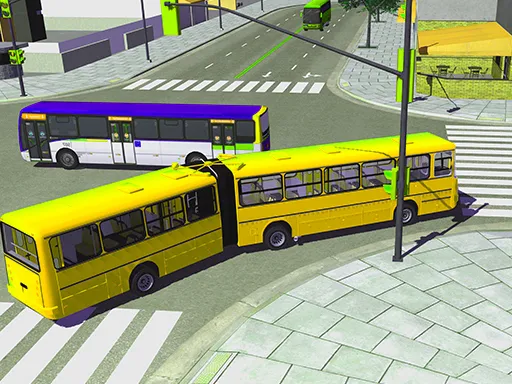
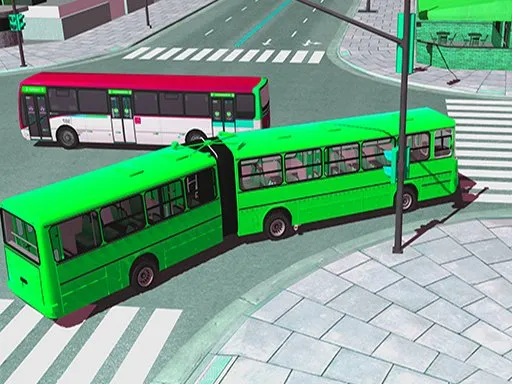
Pull up, open the doors and keep the kids safe. High School Bus Game casts you as a city school bus driver in a 3D simulator, so the pace is calmer than a racing title and the focus is on handling a big vehicle on city streets.
The controls are on the keyboard: arrow keys or WASD to move, F for nitro, C for the camera, B for the rear view and O to start or stop the engine. A computer is the natural place to play, though the page does open on phones. Take corners wide and treat the bus with respect.
Game details
| Genre | Racing |
|---|---|
| Controls | Keyboard |
| Platform | Browser, phone and tablet |
| Cost | Free, no download |
| Screen | 900 x 600 px |
How to play High School Bus Game
- Start the game and take the driver's seat of the bus.
- Drive with the arrow keys or WASD along the city streets.
- Press C to change the camera and B to check behind you.
- Press O to turn the engine on or off.
Tips for High School Bus Game
- Take corners wide; the long body swings further than a car.
- Use the rear-view key when reversing or turning in tight spots.
- Brake early and smoothly, since a bus takes longer to stop.
Frequently asked questions
Is High School Bus Game free to play?
Yes. High School Bus Game is free, runs in your browser, and needs no download or sign-up.
What controls does High School Bus Game use?
Arrow keys or WASD move, F is nitro, C changes camera, B shows the rear view and O toggles the engine.
What do you do in High School Bus Game?
You drive a school bus around a 3D city as a simulator, handling a large vehicle on busy streets.
More to play: Racing games · 3D games · Adventure games · Boys games · Car games
Categories
Racing Adventure 3D Car Casual Truck Kids Simulation Boys
Tags Comments