GTR Drift Legend
Played 1 times.


About GTR Drift Legend
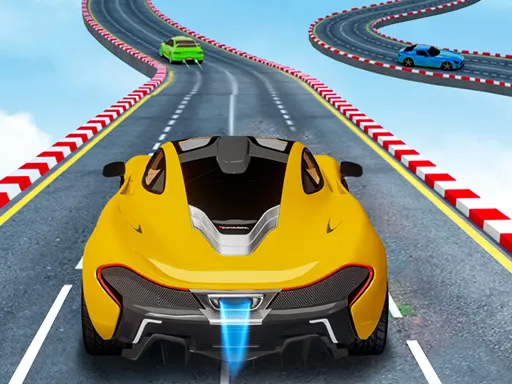
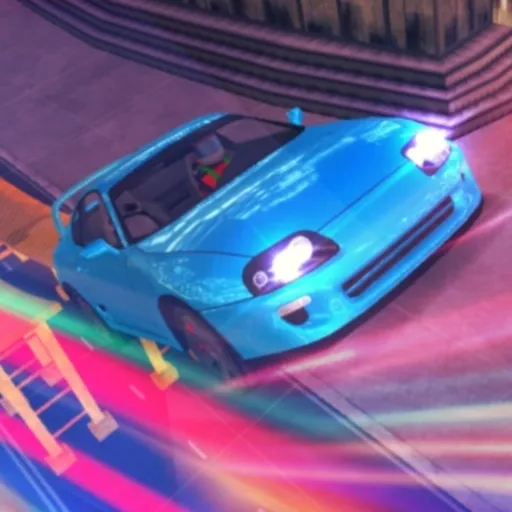
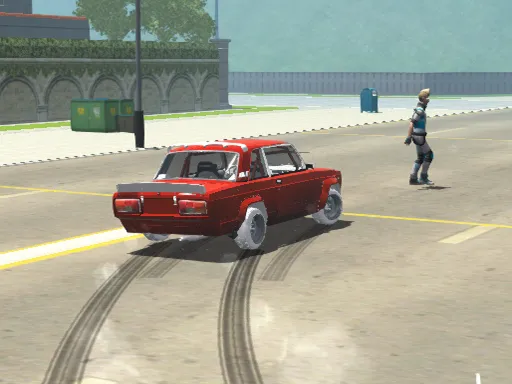
Sideways is the only way forward in GTR Drift Legend. The game packs 19 realistic sports cars and six drift tracks into a single-player challenge where the aim is to finish each level with the best score you can squeeze out of your slides.
The controls go deeper than most browser racers: arrows or WASD drive, Space is the handbrake, C changes the camera, and extras such as nitro, slow motion and gear changes sit on their own keys. Esc pauses. That keyboard-heavy layout makes a computer the natural home for it, though the page also opens on phones.
Game details
| Genre | Racing |
|---|---|
| Controls | Keyboard |
| Platform | Browser, phone and tablet |
| Cost | Free, no download |
| Screen | 960 x 600 px |
How to play GTR Drift Legend
- Pick a car and a track, then start your first drift run.
- Steer with the arrow keys or WASD and tap Space to pull the handbrake into corners.
- Use F for nitro and G for slow motion when you want extra style.
- Finish the level and compare your score before trying another track.
Tips for GTR Drift Legend
- Brake with the handbrake just before a corner, not during it, to start a clean slide.
- Try each camera with C and keep the one that shows your exit line.
- Use slow motion for tricky stretches to practice your angle.
Frequently asked questions
Is GTR Drift Legend free to play?
Yes. GTR Drift Legend is free, runs in your browser, and needs no download or sign-up.
What are the controls in GTR Drift Legend?
Arrow keys or WASD drive, Space is the handbrake, C changes camera, F is nitro, G is slow motion and Esc pauses.
What is the goal of GTR Drift Legend?
Drift through each track and finish the level with the highest score you can, then unlock more cars and tracks.
More to play: Racing games · 3D games
Popular topics: 1 player · 3d games · cars · drift · drifting · race
Categories Tags Comments