RCC Car Parking 3D
Played 2 times.


About RCC Car Parking 3D
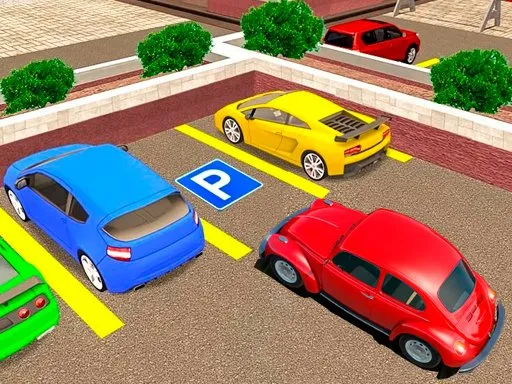
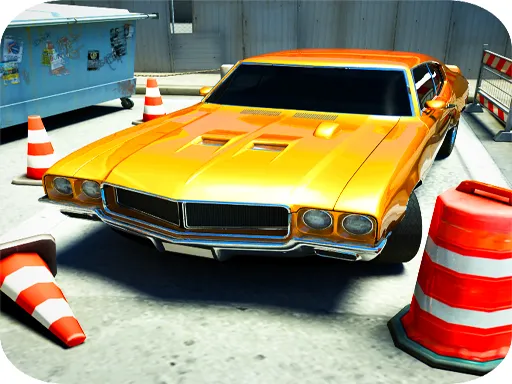
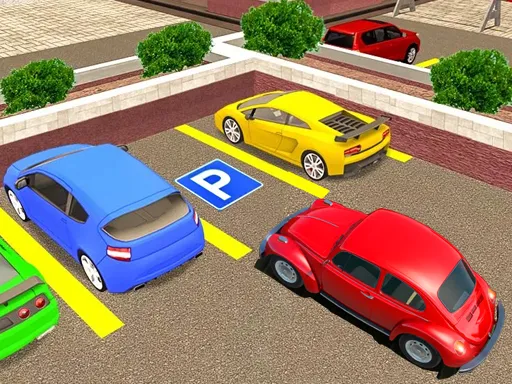
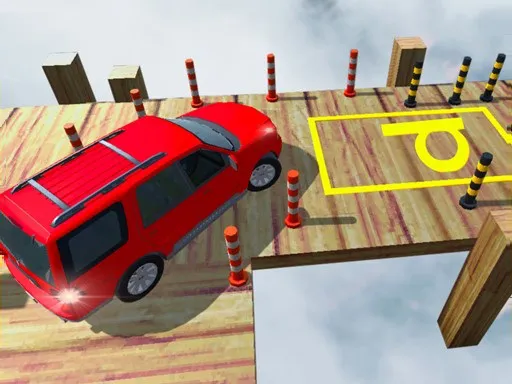
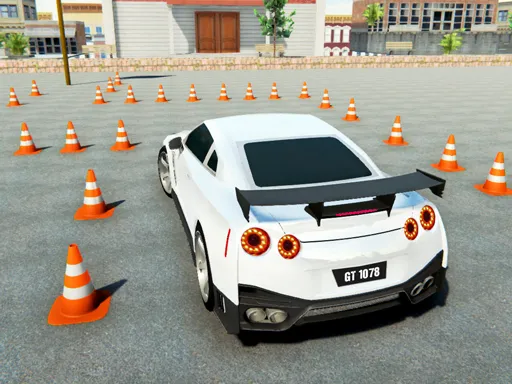
Parking is the whole job, and there are 100 levels to practice on. RCC Car Parking 3D asks you to drive carefully to the finish spot without touching walls, barriers or other objects, with a minimap that shows where you need to go.
Finishing a level earns XP, which you can spend on new paint colors and on new cars with different physics. Controls are W, A, S and D, with Tab, Esc or P opening the menu. A computer keyboard is the best fit, but the game is also marked as mobile-friendly. Slow, patient steering beats speed here, since any contact is a mistake.
Game details
| Genre | Racing |
|---|---|
| Controls | Keyboard |
| Platform | Browser, phone and tablet |
| Cost | Free, no download |
| Screen | 800 x 600 px |
How to play RCC Car Parking 3D
- Drive with W, A, S and D toward the parking spot.
- Check the minimap for the location of the finish.
- Steer around walls, barriers and other objects.
- Stop in the spot to complete the level.
- Spend the XP you earn on colors and new cars.
Tips for RCC Car Parking 3D
- Check the minimap before you move off.
- Creep forward; a small tap on the key beats a long hold.
- Straighten the car early so the last move is small.
Frequently asked questions
Is RCC Car Parking 3D free to play?
Yes. RCC Car Parking 3D is free, runs in your browser, and needs no download and no sign-up.
What are the controls in RCC Car Parking 3D?
Drive with W, A, S and D, and press Tab, Esc or P to open the menu. A computer keyboard is the best choice.
How many levels are in RCC Car Parking 3D?
The game has 100 levels. You gain XP by finishing them and can spend it on car colors and new cars.
More to play: Racing games · 3D games · Car games · Parking games
Popular topics: 1 player · 3d games · best · cars · crazy · game
Categories Tags Comments