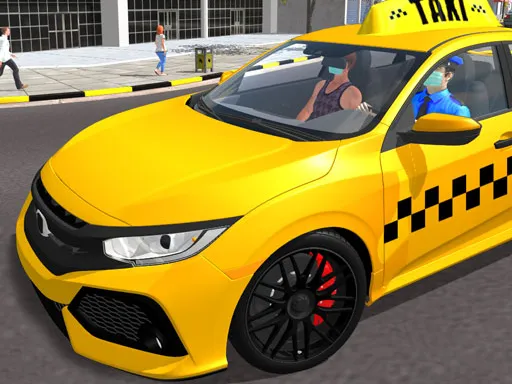
Grand City Racing
Played 1 times.


About Grand City Racing
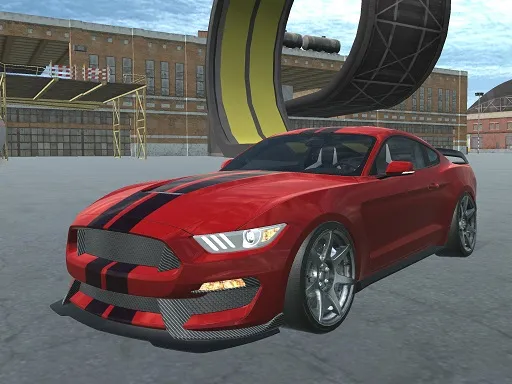
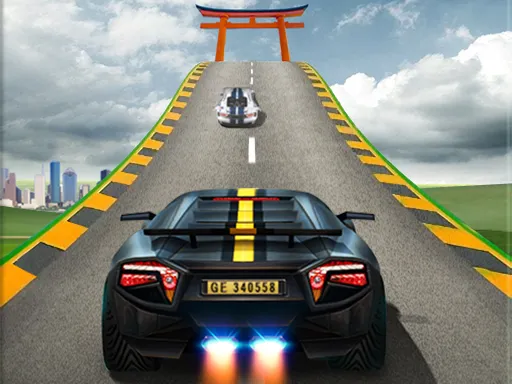
Cars that look the part, a city to tear around and the option to bring a friend: Grand City Racing keeps its offer simple. Three modes are on offer, a straight race, a challenge and a free drive, and each can be played alone or with a second player on the same keyboard.
Beyond steering, you get a nitro boost, a handbrake for sliding round corners, a look-back key and a reset for when you end up on your roof. It rewards a smooth driving line and well-timed boosts. The whole thing runs in your browser, with a touch option on phones, though a keyboard will make the extra buttons much easier to reach.
Game details
| Genre | Racing |
|---|---|
| Controls | Keyboard |
| Platform | Browser, phone and tablet |
| Cost | Free, no download |
| Screen | 800 x 450 px |
How to play Grand City Racing
- Pick a race, a challenge or a free drive, and choose one or two players.
- Steer with W A S D or the arrow keys.
- Press F for nitro, T to look back and Space for the handbrake.
- Press R to fix the position of your car if you get stuck.
- In two-player mode, the second driver uses their own keys shown on screen.
Tips for Grand City Racing
- Save nitro for straights. Using it in a corner usually just sends you wide into the wall.
- Tap the handbrake briefly to rotate through a tight turn instead of holding it down.
- If you flip or get wedged, use the reset key straight away rather than wasting seconds fighting the car.
Frequently asked questions
Is Grand City Racing free?
Yes. Grand City Racing is free to play in your browser, with no download and no sign-up.
Can two people play Grand City Racing?
Yes. All three modes support two players on one device, with each driver using their own set of keys.
What game modes does Grand City Racing have?
Three: Racing for competitive runs, Challenge for set tasks, and Free Drive for roaming the city at your own pace.
More to play: Racing games
Popular topics: 2 player games · 3d games · crazy · supercars
Categories Tags Comments