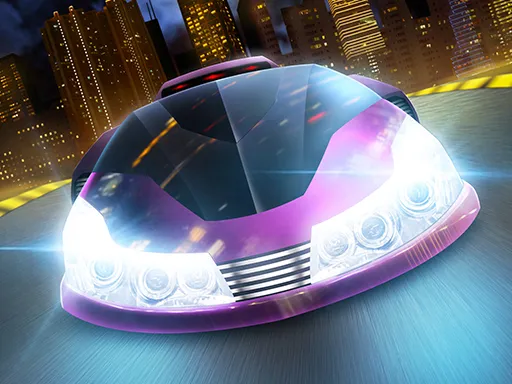
F1 Racing
Played 2 times.


About F1 Racing
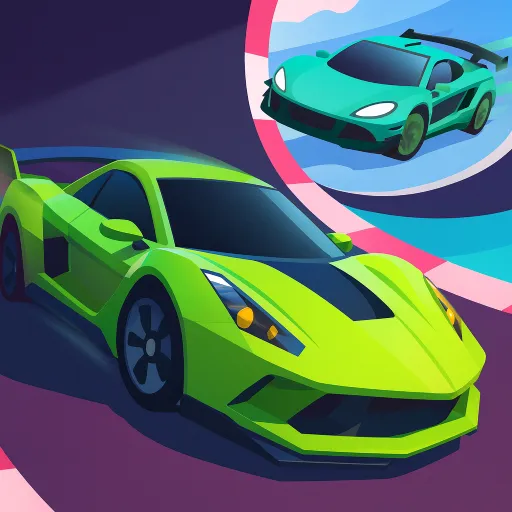
Customize first, then chase first place. F1 Racing is a formula racing game in which you build up your car and then take on AI-controlled rivals, with 30 levels to work through.
The arrow keys control the car, and Space gives you a boost, so a keyboard is the best fit, but the page is also marked mobile-friendly. The boost is the main tactical choice: use it on a straight to pass a rival, or hold it back for a final push. Each level asks you to beat the computer cars, so clean cornering matters as much as speed.
Game details
| Genre | Racing |
|---|---|
| Controls | Keyboard |
| Platform | Browser, phone and tablet |
| Cost | Free, no download |
| Screen | 960 x 600 px |
How to play F1 Racing
- Customize your car before the race.
- Press the arrow keys to steer and accelerate.
- Press Space to boost when you need extra speed.
- Race the AI cars and take the lead.
- Finish in first place to progress through the levels.
Tips for F1 Racing
- Keep the boost for a straight where you can pass.
- Cornering cleanly keeps more speed than braking hard.
- Customize between levels as the challenge rises.
Frequently asked questions
Is F1 Racing free to play?
Yes. F1 Racing is free, runs in your browser, and needs no download and no sign-up.
What controls does F1 Racing use?
Use the arrow keys to steer and Space to boost. A computer keyboard works best, and the game is marked as mobile-friendly.
How many levels does F1 Racing have?
There are 30 levels, and in each you race AI cars for the lead.
More to play: Racing games · Car games
Categories Tags Comments