Gem Fusion
Played 1 times.


About Gem Fusion
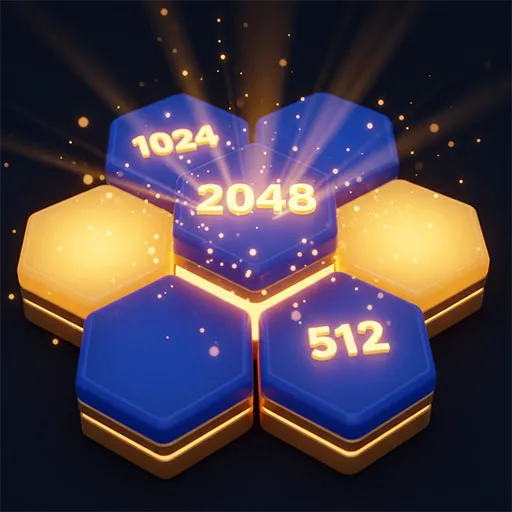
Lily loves puzzles, and she needs your help to finish them. In Gem Fusion you drag blocks around until each one sits where it belongs, completing the challenge on screen.
Thinking comes first. Placing a block without a plan can end the round on the spot, so you need to look at the whole picture before committing. The game sits somewhere between block matching and educational brain training, with a gentle story to frame it. Touch-and-drag works on a phone, and a mouse does the same job on a computer, all in your browser.
Game details
| Genre | Puzzle |
|---|---|
| Controls | Mouse or touch |
| Platform | Browser, phone and tablet |
| Cost | Free, no download |
| Screen | 720 x 1280 px |
How to play Gem Fusion
- Look at the blocks and where they need to end up.
- Touch and drag a block, or click and drag with a mouse.
- Drop each block into its correct position.
- Finish the challenge without making a bad placement.
Tips for Gem Fusion
- Study the layout before your first drag; a wrong placement can end the round.
- Place the blocks you are sure about first, then work out the rest.
- Slow down on later challenges, where careless moves are easier to make.
Frequently asked questions
Is Gem Fusion free to play?
Yes. Gem Fusion is free, runs in your browser, and needs no download or sign-up.
How do I play Gem Fusion on mobile or PC?
On a phone or tablet, touch and drag the blocks. On a computer, hold the left mouse button and drag them.
What happens if I place a block wrongly in Gem Fusion?
Setting blocks down without thinking can end the round, so plan each position carefully before you let go.
More to play: Puzzle games · Casual games · Educational games
Categories Tags Comments