Car Games: Advance Car Parking
Played 2 times.


About Car Games: Advance Car Parking
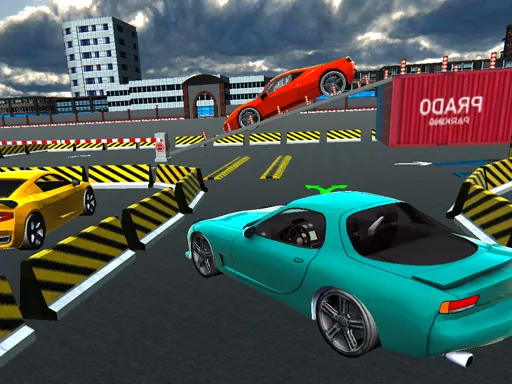
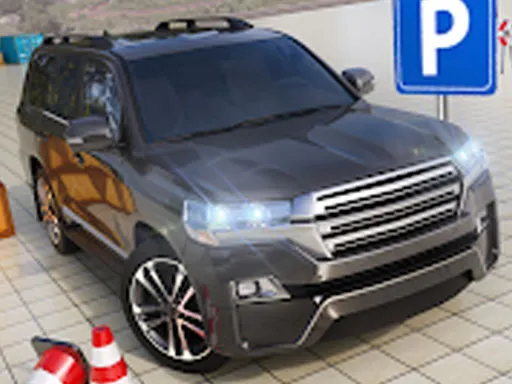
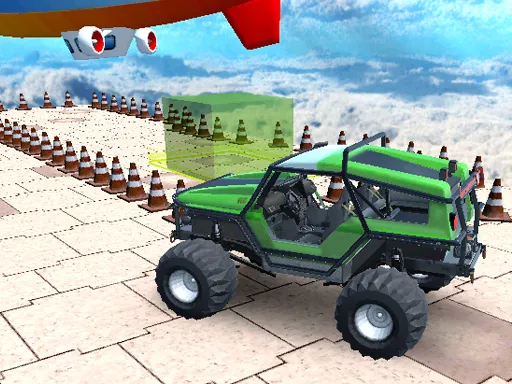
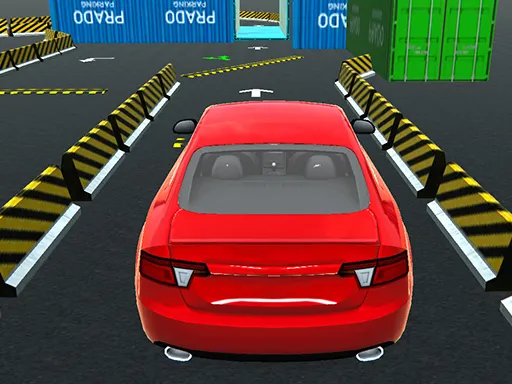
Parking looks simple until a wall, a pillar and someone's bumper are all an inch from your own. Car Games: Advance Car Parking turns that tension into a 3D simulation where patient steering beats raw speed. The stages are meant to get tougher as you go, and each one rewards small, careful corrections.
Controls sit on the keyboard, so a computer gives the most precise feel, although the game is also marked as playable on phones. Treat each bay like a small puzzle about angles: roll in slowly, straighten, then settle. It loads straight in the browser, so you can try a stage in a minute.
Game details
| Genre | Racing |
|---|---|
| Controls | Keyboard |
| Platform | Browser, phone and tablet |
| Cost | Free, no download |
| Screen | 1280 x 720 px |
How to play Car Games: Advance Car Parking
- Use the keyboard to accelerate, brake and steer.
- Drive slowly toward the marked parking space.
- Straighten the car and ease it between the lines.
- Stop inside the bay without touching obstacles.
Tips for Car Games: Advance Car Parking
- Go slower than feels necessary; most failed parks come from arriving too fast and over-correcting.
- Swing wide before turning in so the car has room to straighten.
- If you are crooked, back out and retry instead of forcing the fit.
Frequently asked questions
Is Car Games: Advance Car Parking free?
Yes, it is completely free. It runs in your browser with no download and no account needed.
What controls does Car Games: Advance Car Parking use?
It is played with the keyboard for driving and steering. A computer is the best choice, though the game is also listed as mobile-friendly.
How do I get better at Car Games: Advance Car Parking?
Practice low-speed control. Approach each bay at a gentle angle, straighten early, and use short reversing moves to fix your position.
More to play: Racing games · Car games · Parking games · Simulation games · Truck games
Categories
Racing Car Truck Simulation Parking
Tags Comments