GBox Memory
Played 2 times.


About GBox Memory
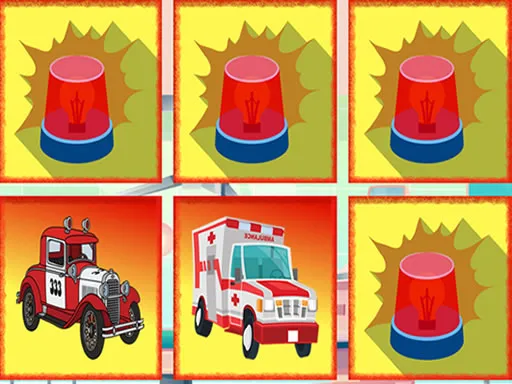
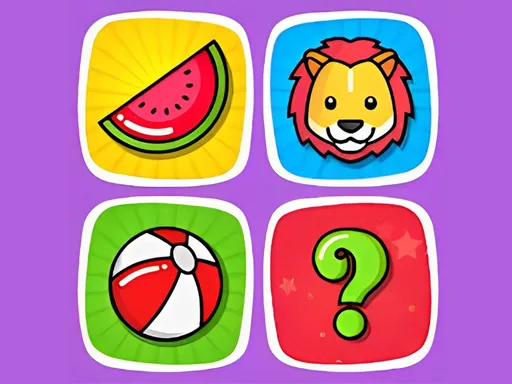
Pairs of hidden tiles, a mind full of positions, and no hurry to prove anything. GBox Memory is a classic memory game that children and adults can both enjoy, and it quietly exercises attention, observation and recall while you play, one flipped tile at a time.
Several modes keep it fresh. Classic is plain pair-hunting through pictures, colors or digits. Search shows you a target and you only hunt for its twin. A triple mode raises the stakes: each match needs three tiles instead of two. It works with a mouse or touch screen.
Game details
| Genre | Puzzle |
|---|---|
| Controls | Mouse or touch |
| Platform | Browser, phone and tablet |
| Cost | Free, no download |
| Screen | 800 x 600 px |
How to play GBox Memory
- Study the field of face-down tiles and choose a game mode.
- Open one tile, then open a second one.
- If the two match, they disappear. If not, they flip back, so remember where they were.
- Keep going until all the tiles have been cleared.
Tips for GBox Memory
- Pay attention to tiles that flip back. Remembering them is what wins the game.
- Open new tiles first. Learning positions is more useful than repeating guesses.
- In the triple mode, keep a mental list of every spot you have already seen.
Frequently asked questions
Is GBox Memory free?
Yes. GBox Memory is free, plays in your browser, and needs no download or sign-up.
What game modes does GBox Memory have?
There are three: Classic for matching pairs, Search for finding the twin of a displayed picture or number, and a triple mode needing three identical tiles.
How do I play GBox Memory on a touch screen?
Tap tiles to open them. On a computer, click with the mouse. The goal is to remove matching tiles from the board.
More to play: Puzzle games · Brain games · Memory games
Popular topics: best games · classic · matching · mind
Categories Tags Comments