Spooky Memory
Played 2 times.


About Spooky Memory
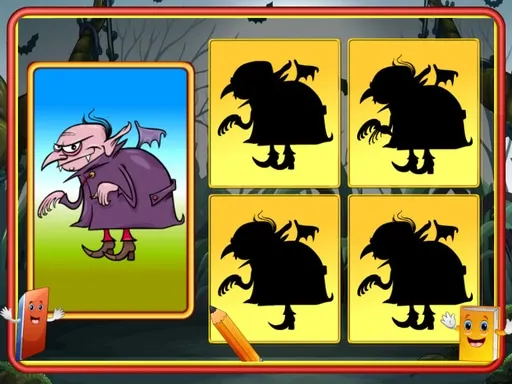
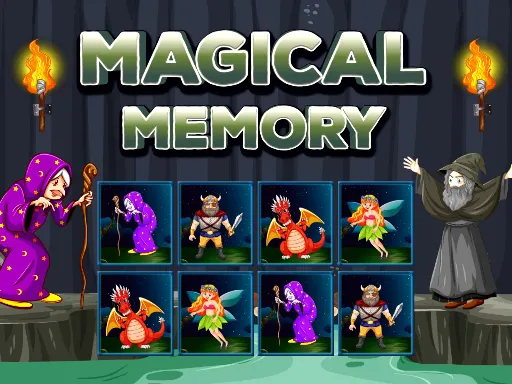
Halloween gets a card-matching makeover here. Spooky Memory lays out a board of face-down cards, each hiding an icon, and the only tool you have is your memory. Flip one, flip another, and hope they agree.
It works well for kids and for grown-ups who want a calm, low-pressure brain workout. Cards that do not match turn back over, so the real skill is keeping a mental map of where everything sits. Pair up the whole board to finish the level, then try to do it with fewer wasted flips next time.
Game details
| Genre | Puzzle |
|---|---|
| Controls | Mouse or touch |
| Platform | Browser, phone and tablet |
| Cost | Free, no download |
| Screen | 800 x 450 px |
How to play Spooky Memory
- Click or tap any card to turn it over and see its icon.
- Flip a second card and check whether the two icons match.
- Remember where mismatched cards sit, because they turn face down again.
- Keep pairing icons until the whole board is cleared to finish the level.
Tips for Spooky Memory
- Work through one corner of the board first so your memory builds in a small area.
- Say icon positions to yourself as grid coordinates, such as top row, third card.
- After a mismatch, flip a brand-new card instead of repeating one you already saw.
Frequently asked questions
Is Spooky Memory free to play?
Yes. It runs right in your browser, so there is nothing to download and no sign-up. Open the page and start flipping cards.
Can I play Spooky Memory on a phone?
Yes. Tap the cards on a touchscreen, or use a mouse or touchpad on a computer. Both ways work the same.
How do I win a round of Spooky Memory?
Match every pair of icons on the board. Unmatched cards flip back, so remembering their positions is what makes the difference.
More to play: Puzzle games · Board games · Halloween games · Kids games · Memory games
Categories
Puzzle Halloween Kids Board Memory
Tags Comments