FPS Shooter 3D City Wars
Played 3 times.


About FPS Shooter 3D City Wars
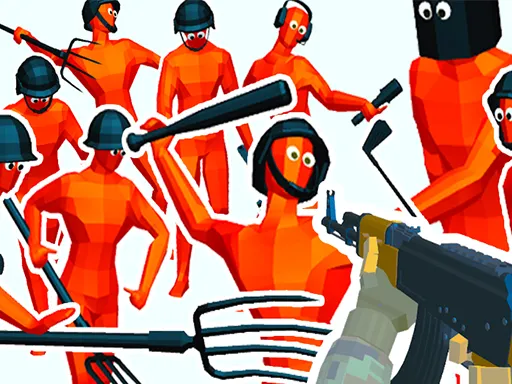
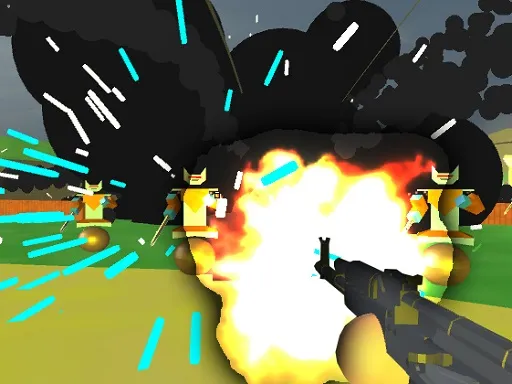
Your squad against a terrorist organisation: that is the scenario in FPS Shooter 3D City Wars, a first-person shooter set across a city. There is no room for hesitation, as the game asks you to take action and break the group apart.
It has a deeper control set than most browser shooters. As well as shooting, aiming and reloading, you can lie down, crouch, tilt left and right to peek around corners, and slow time with T. The extras give you options in a firefight. A keyboard and mouse are the ideal setup, though touch devices are also supported.
Game details
| Genre | Shooting |
|---|---|
| Controls | Keyboard + mouse or touch |
| Platform | Browser, phone and tablet |
| Cost | Free, no download |
| Screen | 960 x 640 px |
How to play FPS Shooter 3D City Wars
- Start a mission and move out with your team.
- Walk with WASD, jump with space and crouch with Ctrl.
- Shoot with the left mouse button, aim with the right one and reload with R.
- Lean with Q and E, slow time with T, and pause with Esc.
Tips for FPS Shooter 3D City Wars
- Use Q and E to lean around cover so you expose less of yourself.
- Save the slow-time key T for a crowded firefight.
- Lie down with X when you need the lowest possible profile.
Frequently asked questions
Is FPS Shooter 3D City Wars free to play?
Yes. It is free in your browser, with no download and no sign-up.
What are the controls in FPS Shooter 3D City Wars?
WASD moves, space jumps, Ctrl crouches, X lies down, R reloads, T slows time, Q and E tilt, left click shoots and right click aims.
What do the Q and E keys do in FPS Shooter 3D City Wars?
Q tilts to the left and E tilts to the right, letting you look around cover without stepping fully out.
More to play: Shooting games · 3D games · Battle games · Boys games · Shooter games
Popular topics: html5 · shoot · shoot em up · webgl
Categories
3D Shooter Shooting Battle Boys
Tags Comments