FoozBaLL
Played 4 times.


About FoozBaLL
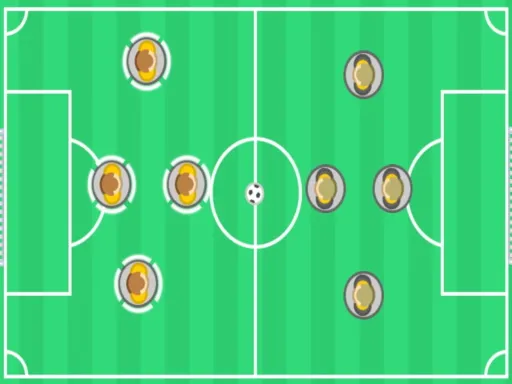
A pocket-sized foosball table lands in your browser with FoozBaLL. Pick a side, grab the keyboard and see how many goals you can rack up against the computer or a friend sitting next to you.
There are two modes to try. Scrimmage is the relaxed option for practice and casual matches, while Championship turns the games into a proper competition with something to play for. Controls are keyboard-based, which keeps rod movements precise, and the game still runs on a phone or tablet when you want a quick match. Rounds are fast, and rematches are easy to start.
Game details
| Genre | Sports |
|---|---|
| Controls | Mouse or touch |
| Platform | Browser, phone and tablet |
| Cost | Free, no download |
| Screen | 800 x 600 px |
How to play FoozBaLL
- Choose Scrimmage or Championship mode.
- Choose to face the computer or a friend.
- Use the keyboard keys to move your rods and strike the ball.
- Score more goals than your opponent.
Tips for FoozBaLL
- Start in Scrimmage to learn how your rods move before entering Championship.
- Keep one rod back to cover your own goal.
- Short, quick taps give you more control than long holds.
Frequently asked questions
Is FoozBaLL free?
Yes. FoozBaLL is free to play in your browser, with no download and no sign-up.
How do I control FoozBaLL?
FoozBaLL is played with the keyboard. Phones and tablets are supported too, using the controls shown on screen.
What modes does FoozBaLL have?
There are two: Scrimmage for relaxed games and Championship for a more serious competition, played solo or with a friend.
More to play: Sports games · Football games · Soccer games
Popular topics: sport
Categories Tags Comments