Driver
Played 1 times.


About Driver
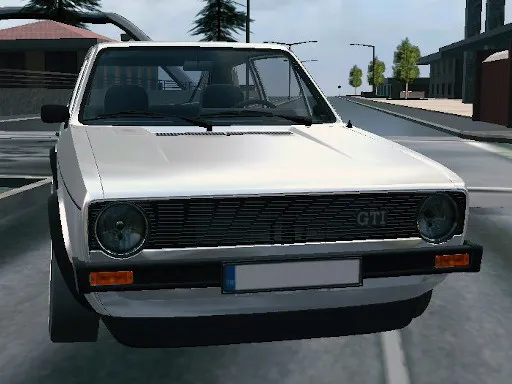
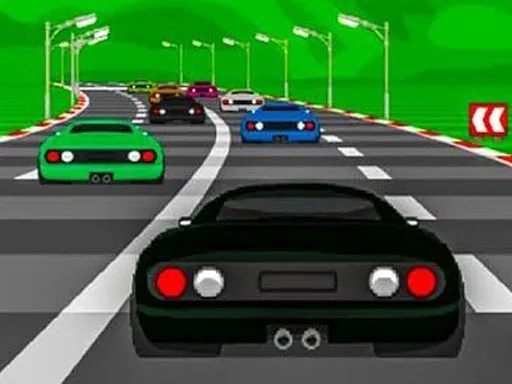
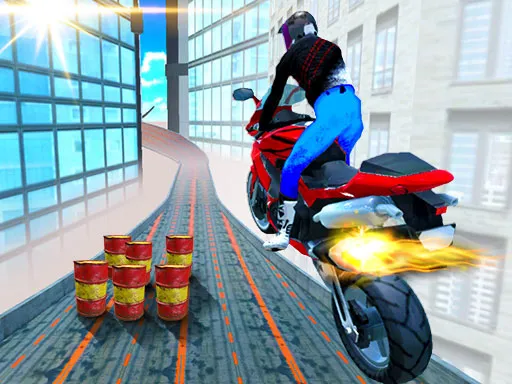
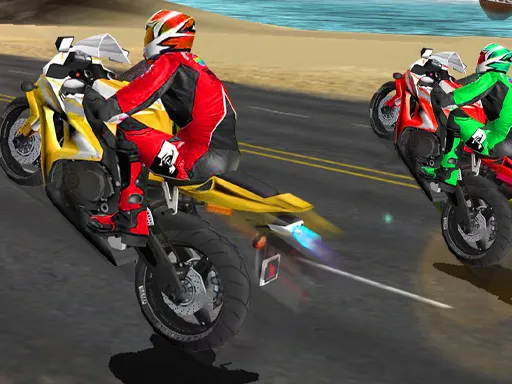
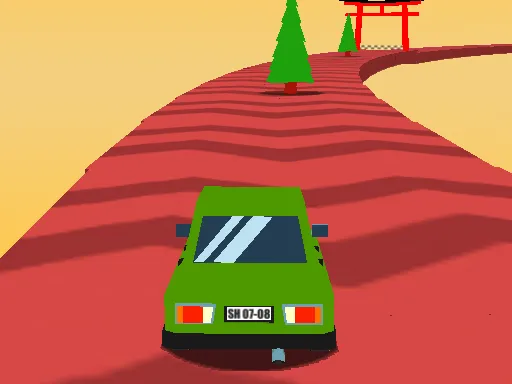
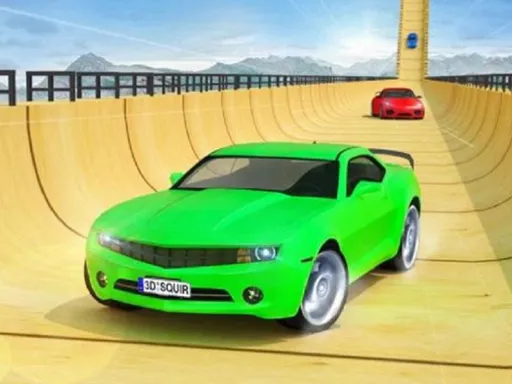
Hop in any vehicle you like and take it for a spin. Driver is a 3D city game with a range of cars and motorcycles, and it gives you the freedom to borrow vehicles that belong to other people.
The control list is longer than most: WASD or arrows to drive, Space for the handbrake, Shift for a boost, C for the camera, F to get on or off a vehicle and R to reset the scene. You can even switch to manual gears with Page Up and Page Down. It is a sandbox for people who want to experiment.
Game details
| Genre | Racing |
|---|---|
| Controls | Keyboard |
| Platform | Browser, phone and tablet |
| Cost | Free, no download |
| Screen | 960 x 600 px |
How to play Driver
- Start the game and pick a vehicle.
- Drive with W, A, S, D or the arrow keys.
- Press Space for the handbrake and Shift for a boost.
- Press F to get on or off a vehicle, and R to reset the scene.
Tips for Driver
- Press C to find a camera angle that suits each vehicle.
- Try manual gears with Page Up and Page Down if you want more control.
- Press R to reset if you get stuck, and Tab to pause.
Frequently asked questions
Is Driver free to play?
Yes. Driver is free in the browser, with no download and no sign-up.
What are the controls in Driver?
Use W, A, S, D or arrows to drive, Space for the handbrake, C for the camera, Shift to boost, R to reset, F to enter or leave a vehicle and Tab to pause.
What can I drive in Driver?
The game offers a mix of cars and motorcycles, and you are free to borrow vehicles that belong to other people around the city.
More to play: Racing games
Categories Tags Comments