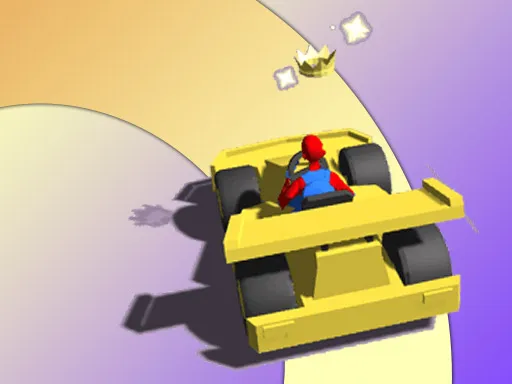
Flying Wings Hover Craft
Played 1 times.


About Flying Wings Hover Craft
Neon streets and floating vehicles define Flying Wings Hover Craft, a 3D hover-racing game with a cyber-style future for its backdrop. The roster is big: 27 craft, 72 tracks, plus a separate free-driving area where nobody is timing you.
You can race against computer-controlled rivals, and a buying and development system lets you improve your craft over time. Controls are simple: arrow keys or WASD drive, and C changes the camera view. A computer keyboard is the better fit, though the page can also open on a phone. There is a lot to explore for a racing game with so few buttons.
Game details
| Genre | Racing |
|---|---|
| Controls | Keyboard |
| Platform | Browser, phone and tablet |
| Cost | Free, no download |
| Screen | 800 x 450 px |
How to play Flying Wings Hover Craft
- Choose a hovercraft and pick a race or the free-driving area.
- Drive with the arrow keys or WASD.
- Press C to change the camera view if you need a clearer angle.
- Win races against the AI and use your rewards to buy and develop craft.
Tips for Flying Wings Hover Craft
- Use the free-driving area to learn how each hovercraft turns before racing.
- Try both camera views and keep the one that shows corners sooner.
- Improve one craft before buying another so you feel each upgrade.
Frequently asked questions
Is Flying Wings Hover Craft free to play?
Yes. Flying Wings Hover Craft is free, runs in your browser, and needs no download or sign-up.
What controls does Flying Wings Hover Craft use?
Drive with the arrow keys or WASD and press C to change the camera. A keyboard on a computer works best.
Can I just explore in Flying Wings Hover Craft?
Yes. Besides the 72 race tracks there is a free-driving area where you can ride your hovercraft without a race.
More to play: Racing games · 3D games
Popular topics: air · aircraft · driving · flight · fly · html5 · race
Categories Tags Comments