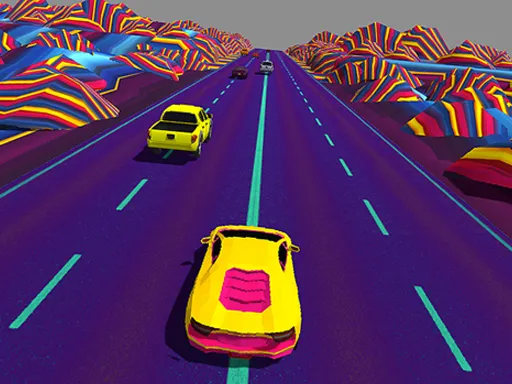
Fast Driver 2
Played 2 times.


About Fast Driver 2
If you like fiddling with car settings as much as driving, this one is for you. Fast Driver 2 describes eight controllable cars with adjustable suspension, camber and assists such as ABS, ESP and traction control, plus a choice between front, rear and all-wheel layouts.
The notes also mention AI traffic, traffic lights and a damage system, so driving carefully matters. The page does not list specific keys, so follow any on-screen prompts when it loads. The tall portrait window is a hint that it is shaped for phones, though a desktop browser works too.
Game details
| Genre | Racing |
|---|---|
| Controls | Mouse or touch |
| Platform | Browser, phone and tablet |
| Cost | Free, no download |
| Screen | 1080 x 1920 px |
How to play Fast Driver 2
- Open the game and choose a car from the garage.
- Adjust handling settings such as suspension or drive type if you want to experiment.
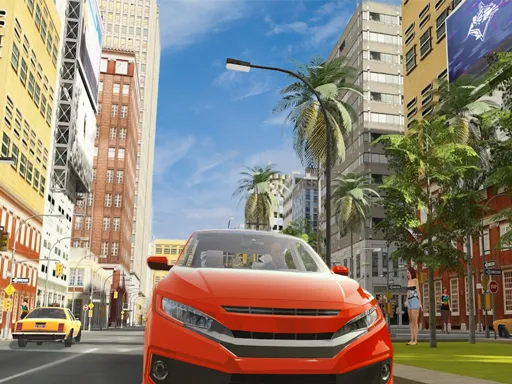
- Drive through the streets and obey the traffic lights and AI traffic.
- Avoid collisions, since the damage system rewards careful driving.
Tips for Fast Driver 2
- Change one setting at a time so you can tell what actually improved the handling.
- Turn driving assists on while learning and off once you feel confident.
- Slow down at junctions; AI cars and lights react in your path.
Frequently asked questions
Is Fast Driver 2 free to play?
Yes. Fast Driver 2 is free in your browser, with no download and no sign-up.
What controls does Fast Driver 2 use?
The game gives its own on-screen prompts, so follow them after loading. It runs on both phones and computers.
Can you tune the cars in Fast Driver 2?
Yes. The description mentions adjusting suspension, camber, drive type and driving assists for each of the eight cars.
More to play: Racing games · Car games
Categories Tags Comments