Evo Deathmatch Shooter
Played 1 times.


About Evo Deathmatch Shooter
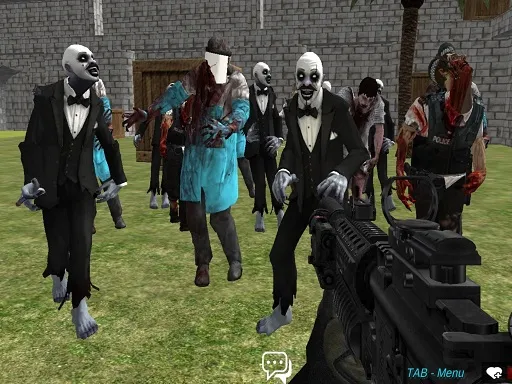
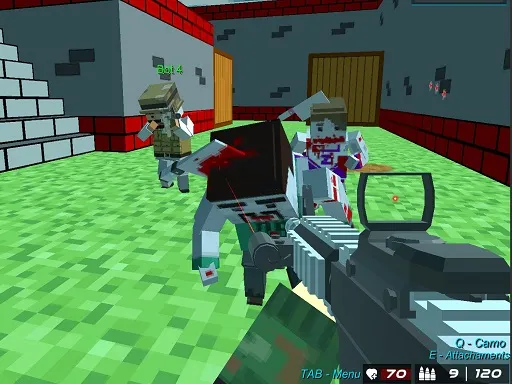
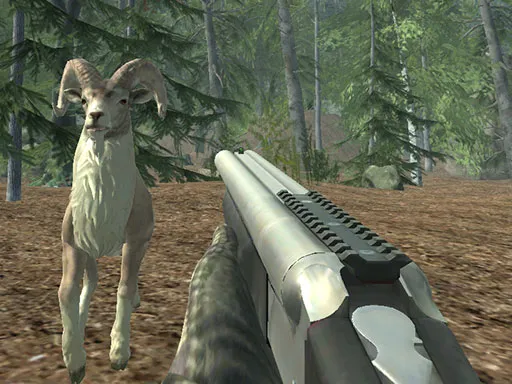
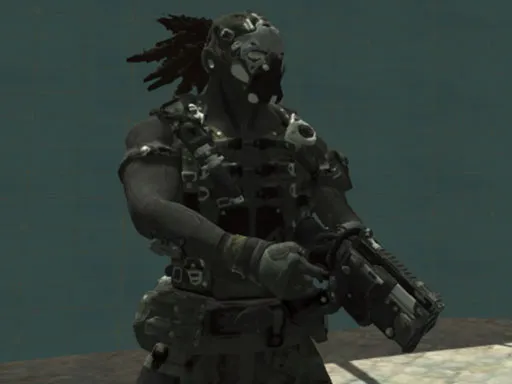
Ten levels, a handful of weapons, and a first-person view. Evo Deathmatch Shooter plays as a straightforward deathmatch-style shooter that keeps the controls familiar to anyone who has played a computer FPS.
WASD or the arrow keys move you, the left mouse button fires, and the right mouse button targets for a more precise shot. Space jumps, Left Shift runs, and the 1, 2 and 3 keys change your weapon. With that many options at your fingertips, you can mix running and gunning with careful aiming as you work through the levels. Keyboard and mouse make it best on a computer.
Game details
| Genre | Shooting |
|---|---|
| Controls | Keyboard + mouse or touch |
| Platform | Browser, phone and tablet |
| Cost | Free, no download |
| Screen | 960 x 600 px |
How to play Evo Deathmatch Shooter
- Move with W, A, S and D or the arrow keys.
- Press the left mouse button to fire.
- Hold the right mouse button to target.
- Press Space to jump and hold Left Shift to run.
- Press 1, 2 or 3 to change weapons.
Tips for Evo Deathmatch Shooter
- Use the right mouse button to target when you need a more careful shot.
- Run with Left Shift to cross open ground quickly, then slow down to shoot.
- Try each of the 1, 2 and 3 weapons to see which fits the situation.
Frequently asked questions
Is Evo Deathmatch Shooter free to play?
Yes. Evo Deathmatch Shooter is free, runs in your browser, and needs no download or sign-up.
What are the controls in Evo Deathmatch Shooter?
Move with WASD or the arrow keys, fire with the left mouse button, target with the right, jump with Space, run with Left Shift, and press 1, 2 or 3 for weapons.
How many levels does Evo Deathmatch Shooter have?
The game has 10 levels, along with multiple weapons to switch between.
More to play: Shooting games · Shooter games
Popular topics: shoot
Categories Tags Comments